Your smart home on iPad, iPhone and Apple TV, styled the way you want.

A smart home dashboard for HomeKit and Home Assistant. Start from one of 23 ready-made styles or style every widget yourself, from menus, without code. Pages and styles sync between your devices.

Download on the App Store

$8, paid once. No subscription, no account.
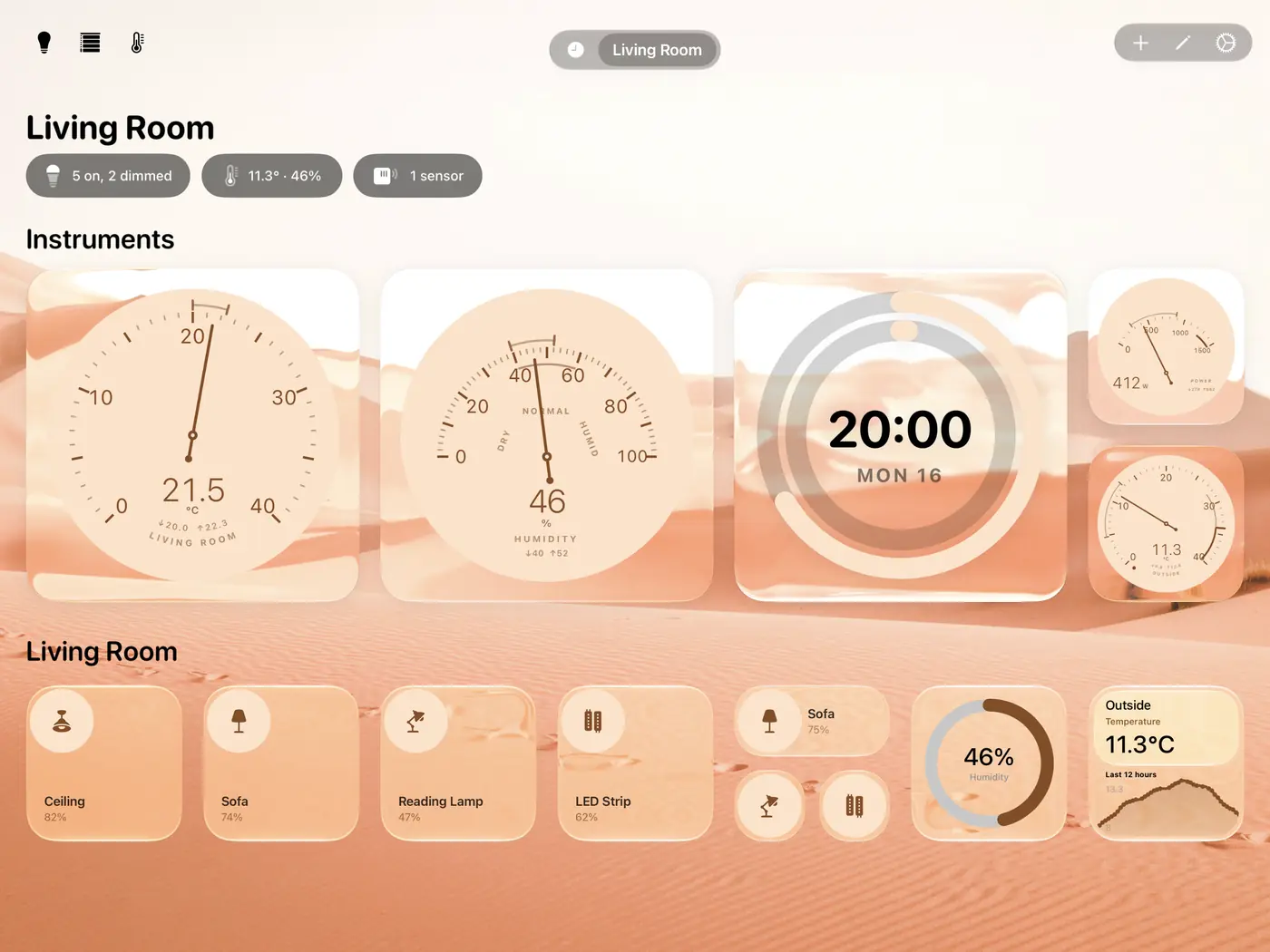
iPad dashboard in the Dune style
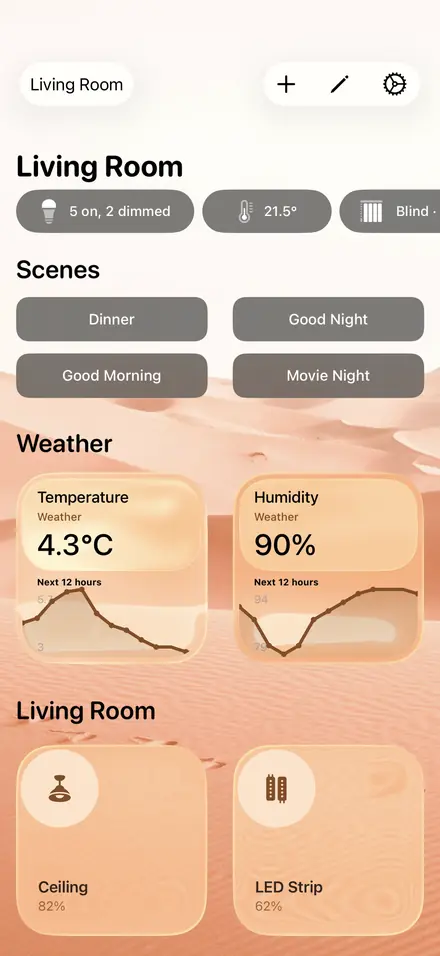
iPhone dashboard in the Dune style
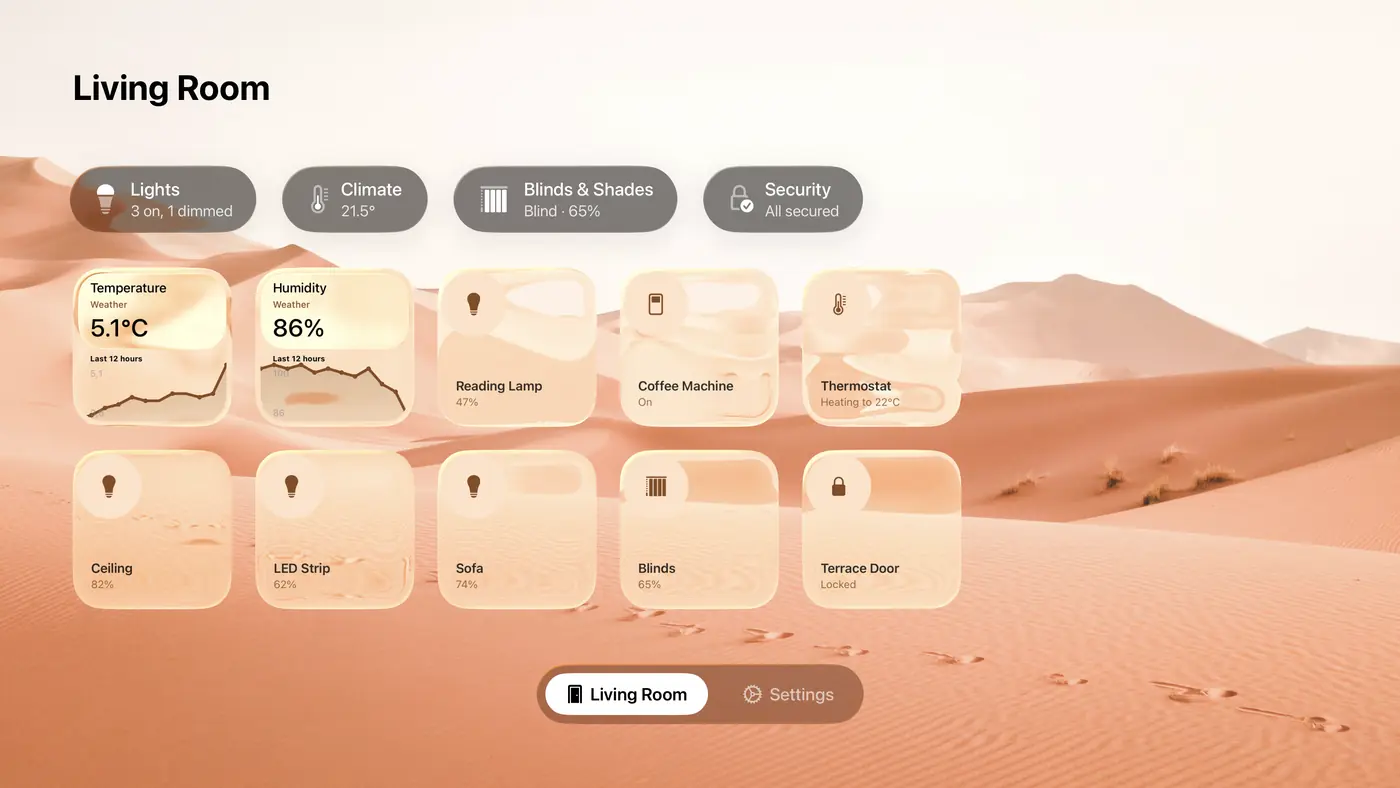
Apple TV dashboard in the Dune style

Dune18 of 23

The same page in each of the 23 styles, on iPad, iPhone and Apple TV. Every screen on this site is rendered by the app itself. A style sets the colours of every widget, the background and the headers in one go.

On the iPad, a wall panel for the whole house

Up to seven tiles across in landscape (two more or fewer if you like), controls for a whole room or the whole house, and full-screen views for when it hangs on the wall. Apple silicon Macs run the iPad app too.

Control a whole room, or the whole house, with one swipe

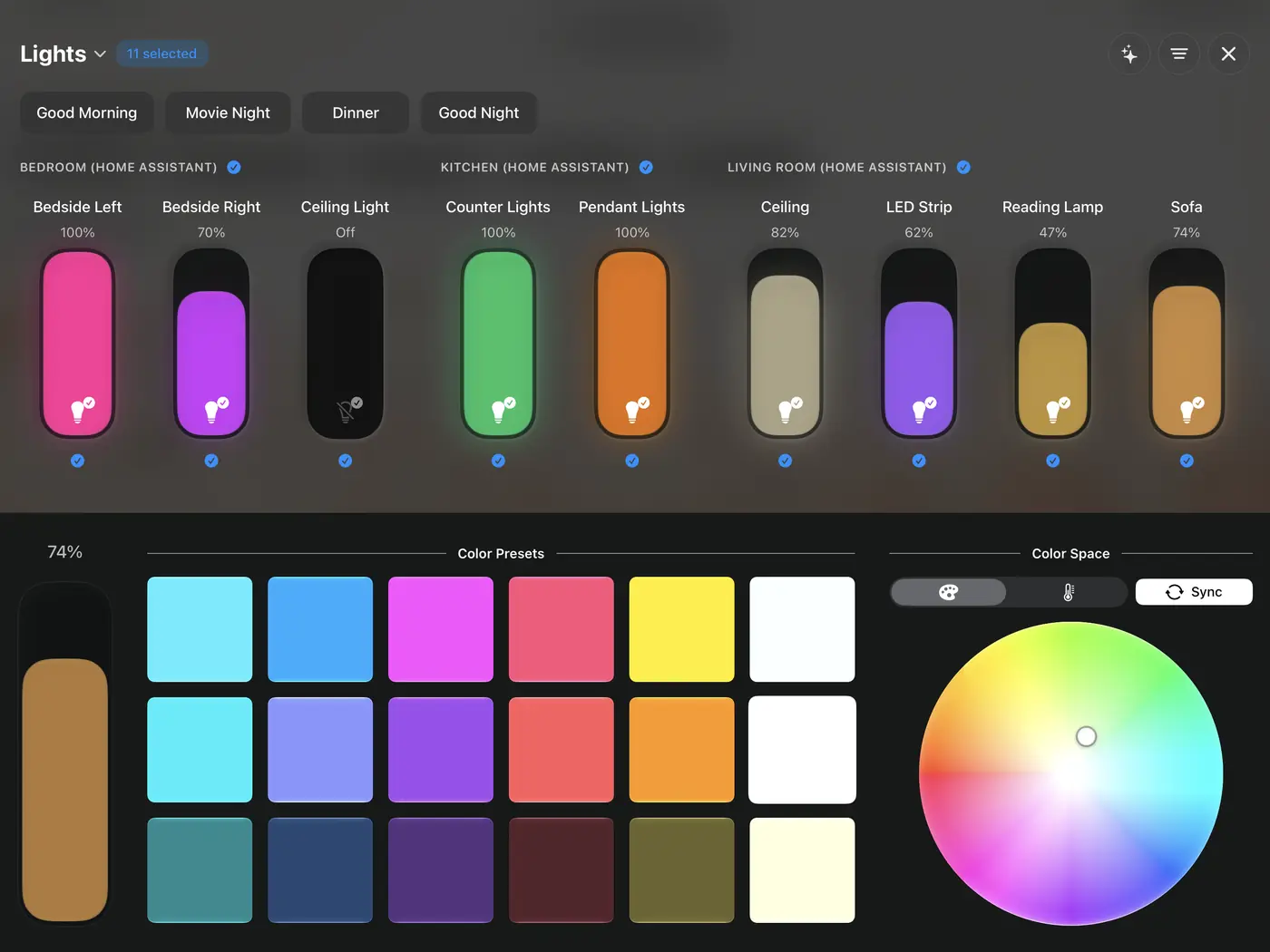
Select one room or several, and every light, thermostat, fan or blind in them sits side by side. One swipe sets them all, and one colour preset recolours them all.
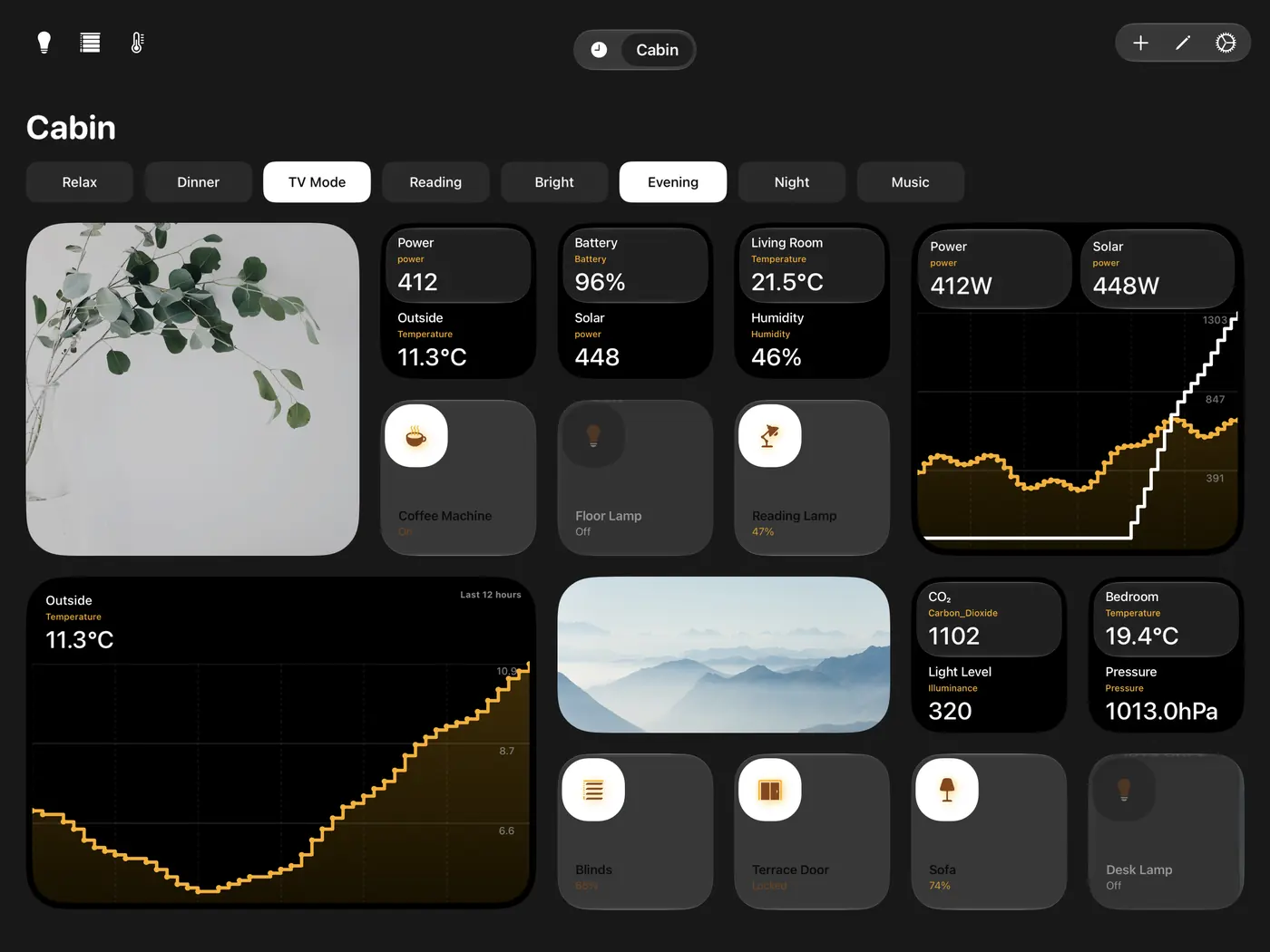
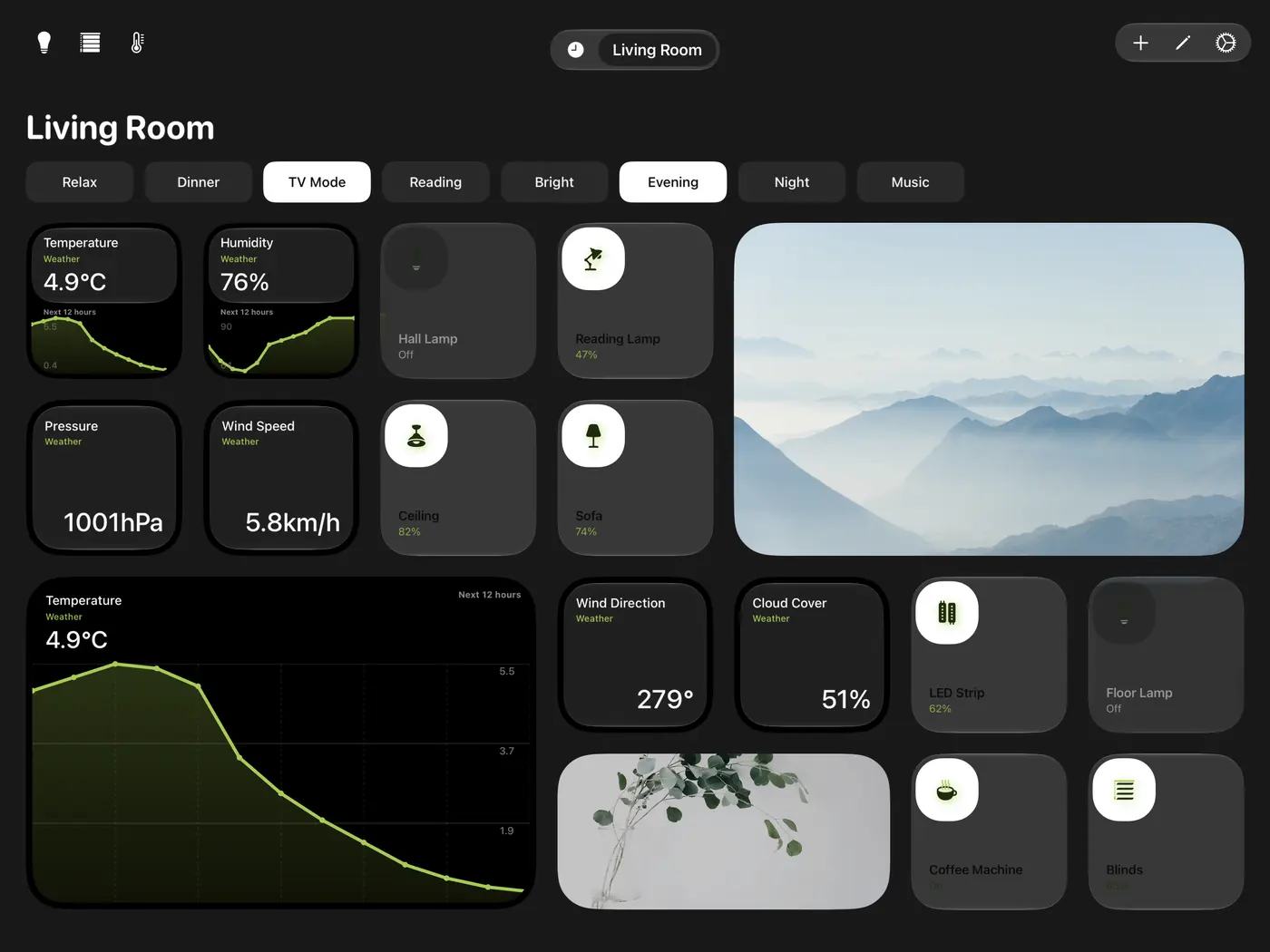
Four pages in different styles

iPad page “Cabin”: A camera, two sensors per tile, switches and a chart of power and solar. Spectrum with the Savanna colour pair.
A camera, two sensors per tile, switches and a chart of power and solar. Spectrum with the Savanna colour pair.
iPad page “Living Room”: Weather as charts and as values, lights and cameras. Spectrum with the Spring Forest colour pair.
Weather as charts and as values, lights and cameras. Spectrum with the Spring Forest colour pair.
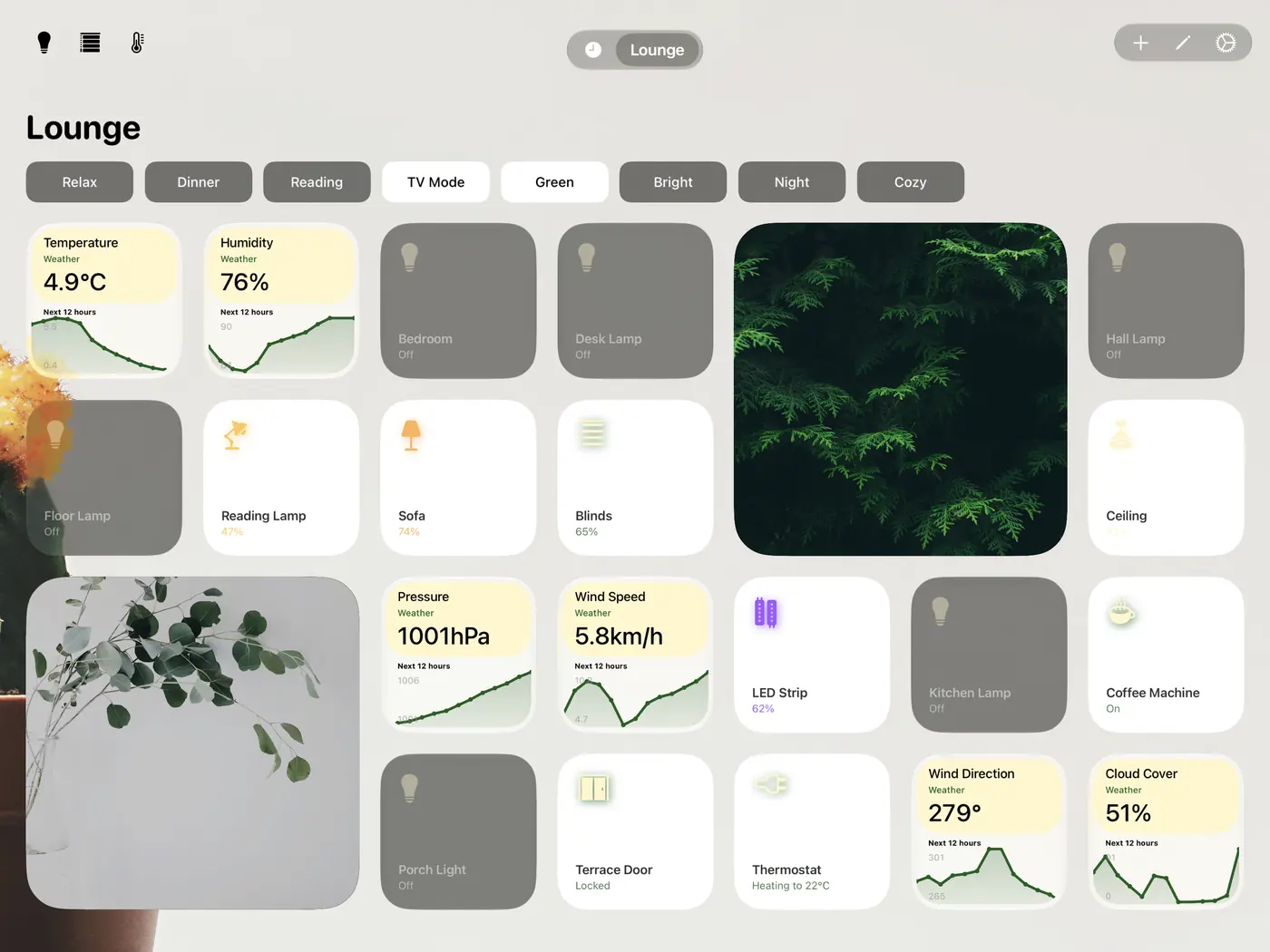
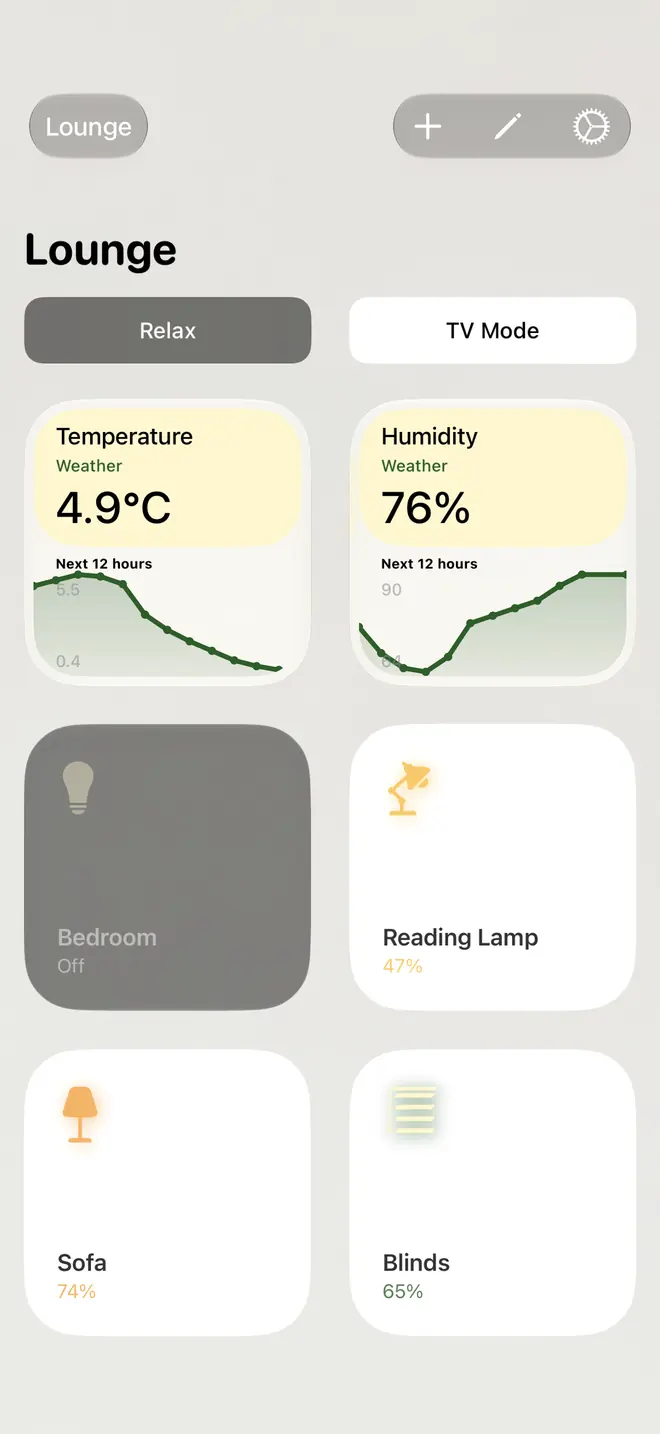
iPad page “Lounge”: Weather charts and devices, off and on, around cameras. Savanna with the Pale Yellow Pine colour pair on a photo background.
Weather charts and devices, off and on, around cameras. Savanna with the Pale Yellow Pine colour pair on a photo background.
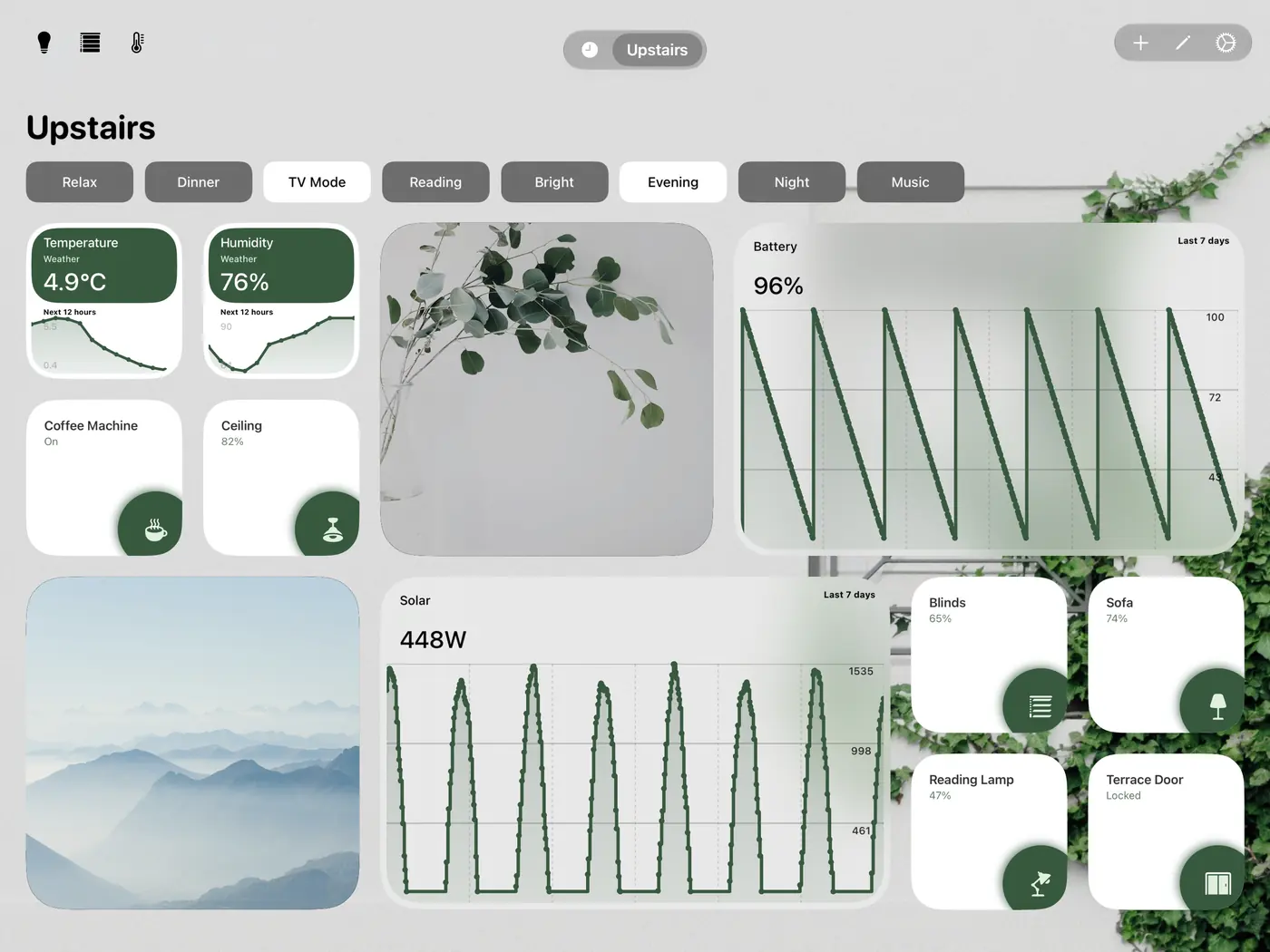
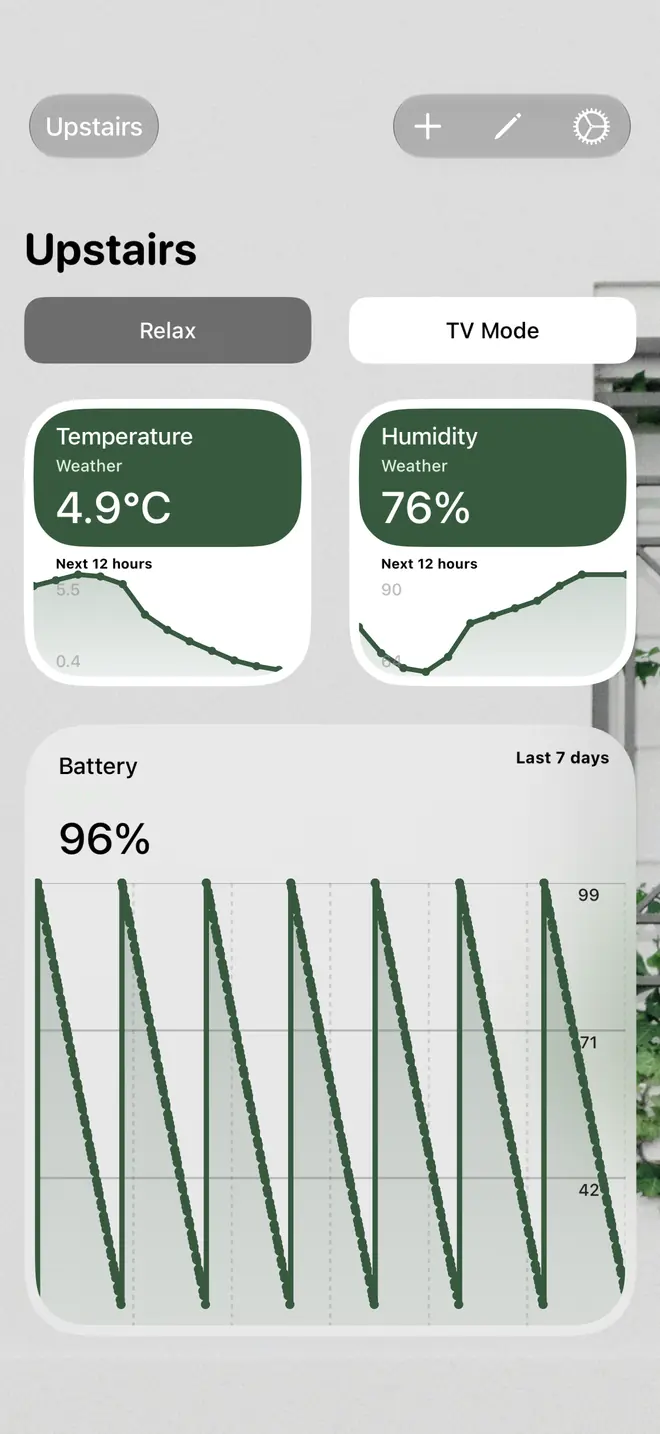
iPad page “Upstairs”: Weather charts, cameras, a week of battery and solar, and devices. Linen.
Weather charts, cameras, a week of battery and solar, and devices. Linen.

Long press a widget to open its own view

Behind each kind of widget sits a view made for the whole screen.
HomeKit history, recorded and shared

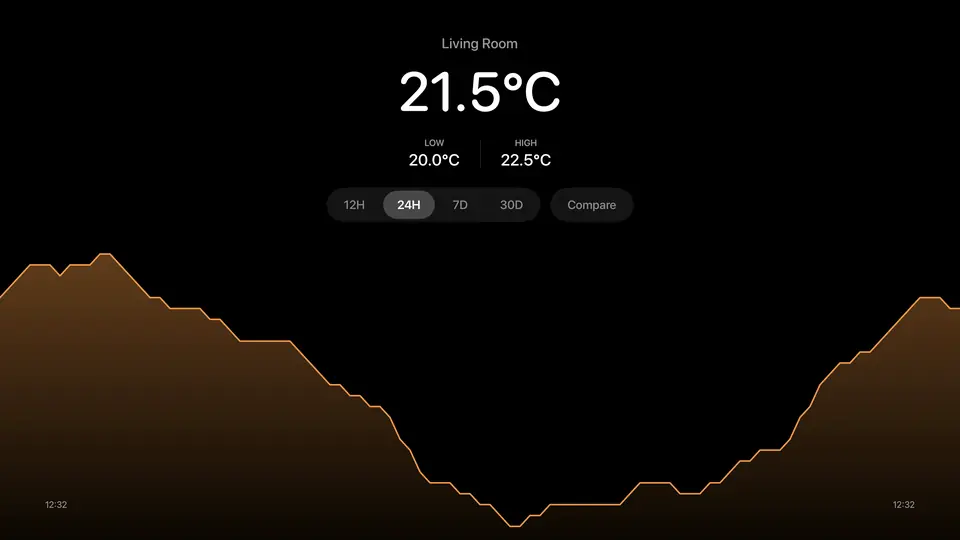
HomeKit doesn't keep a history of its sensors. Couch Control records the values while the app is open and shares them with every device running it. Long press a sensor to see its history full screen, and lay other sensors or the outside temperature over it to compare.
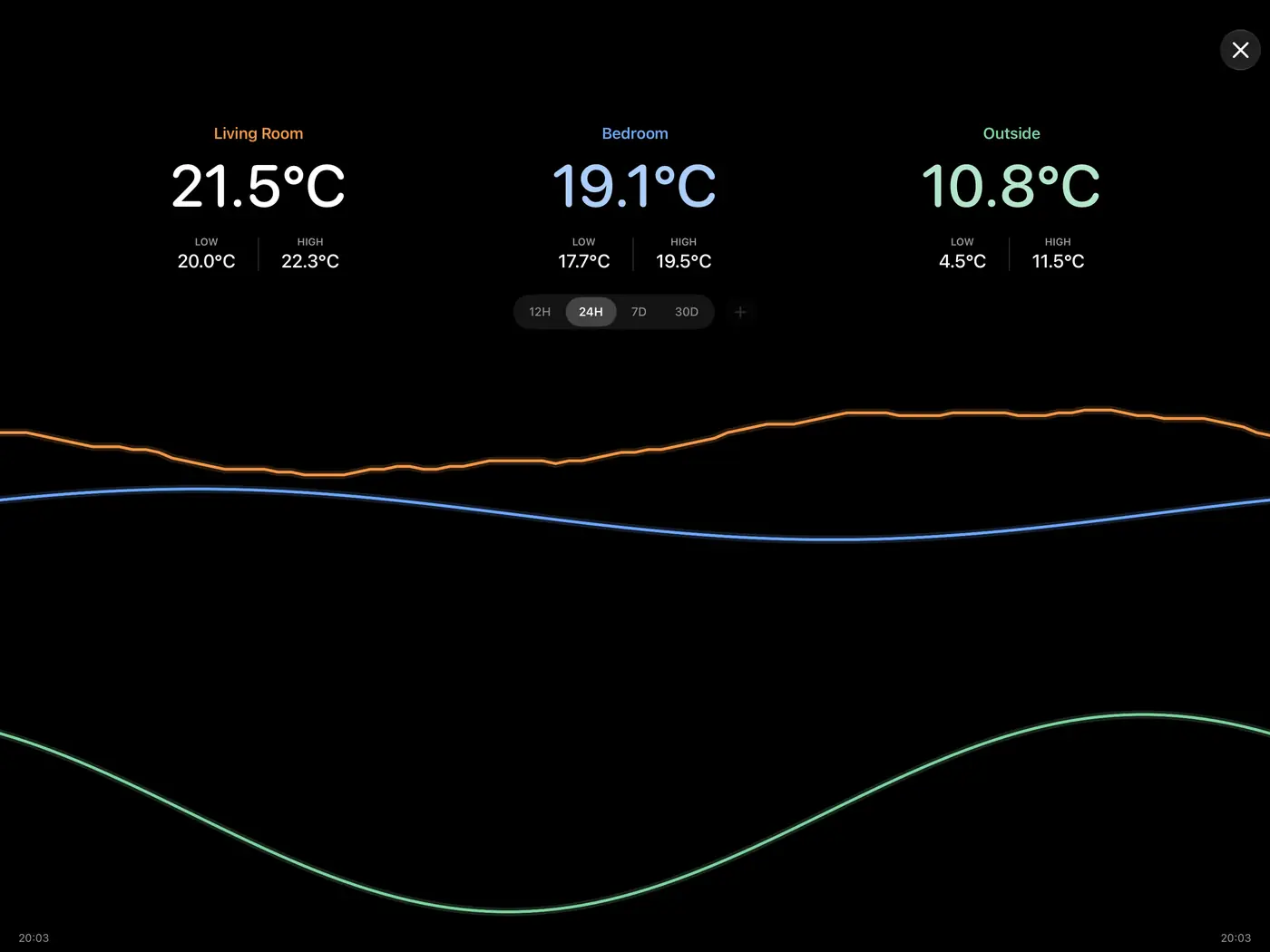
Living room temperature over 24 hours, with the bedroom and the outside temperature drawn over it

When someone rings

The doorbell's camera opens over the dashboard or the resting view, with Talk, Open Door and the picture full screen. Open Door takes two taps, so brushing past a wall tablet can't unlock anything. HomeKit doorbells and Home Assistant doorbells with their camera and lock.
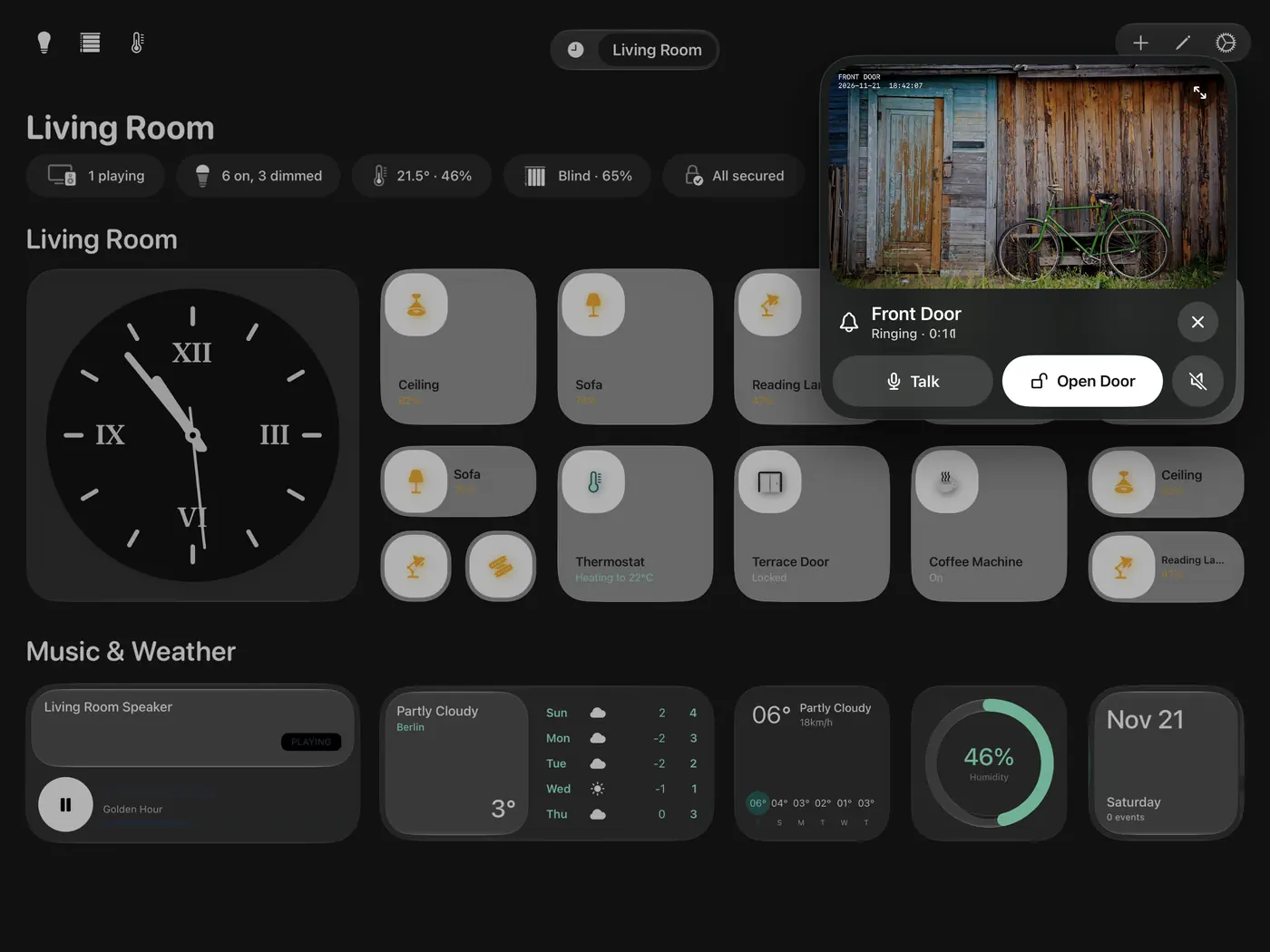
The front door camera in a card over a dashboard, with Talk and Open Door

Rest mode, when nobody is looking

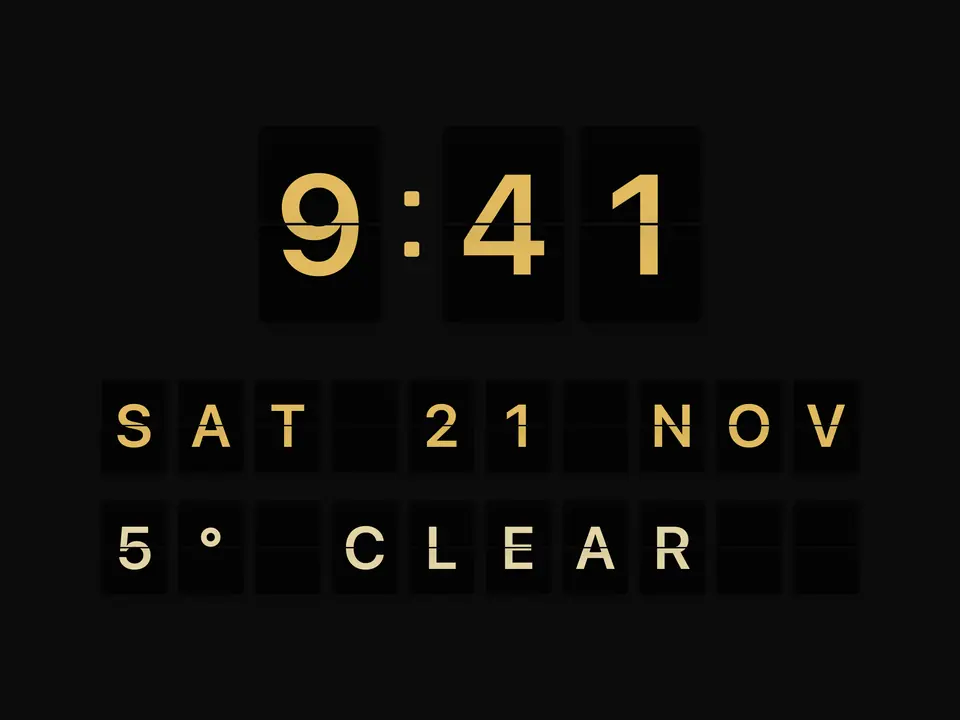
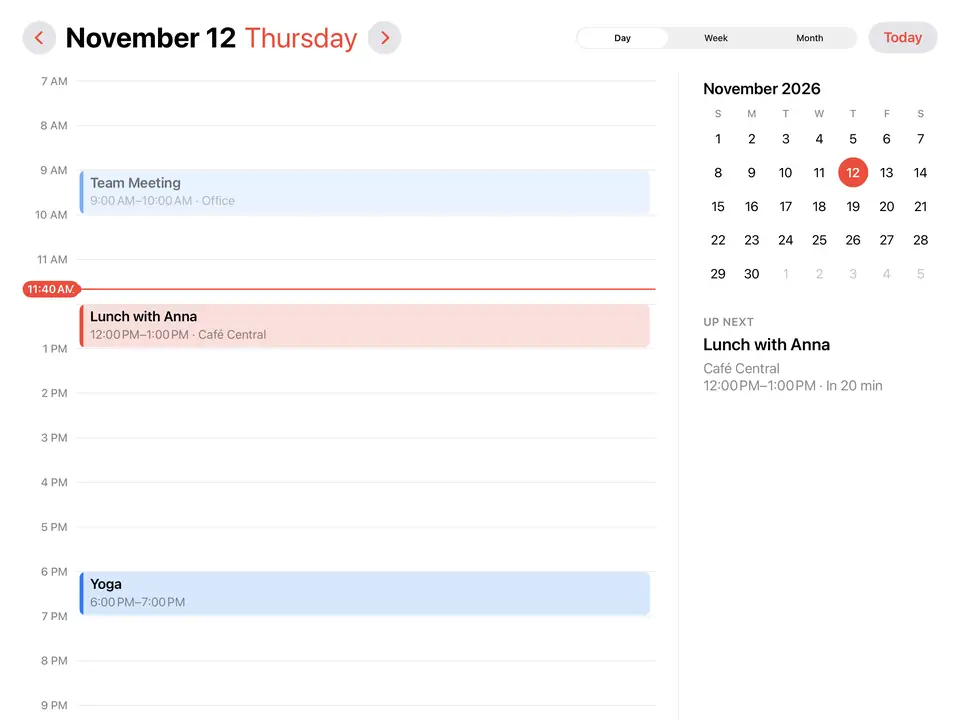
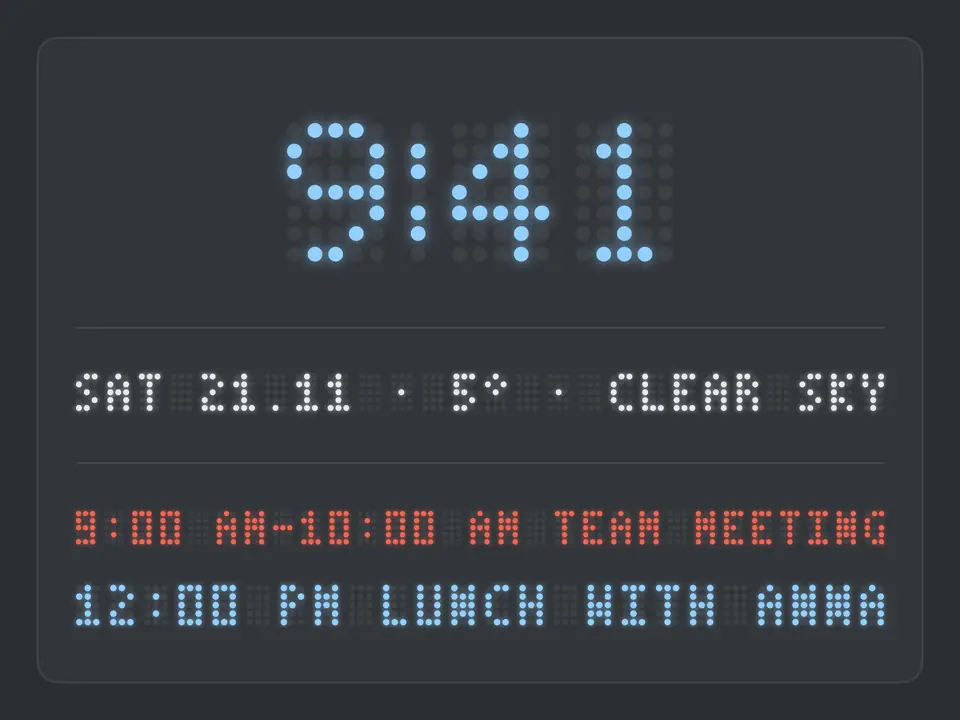
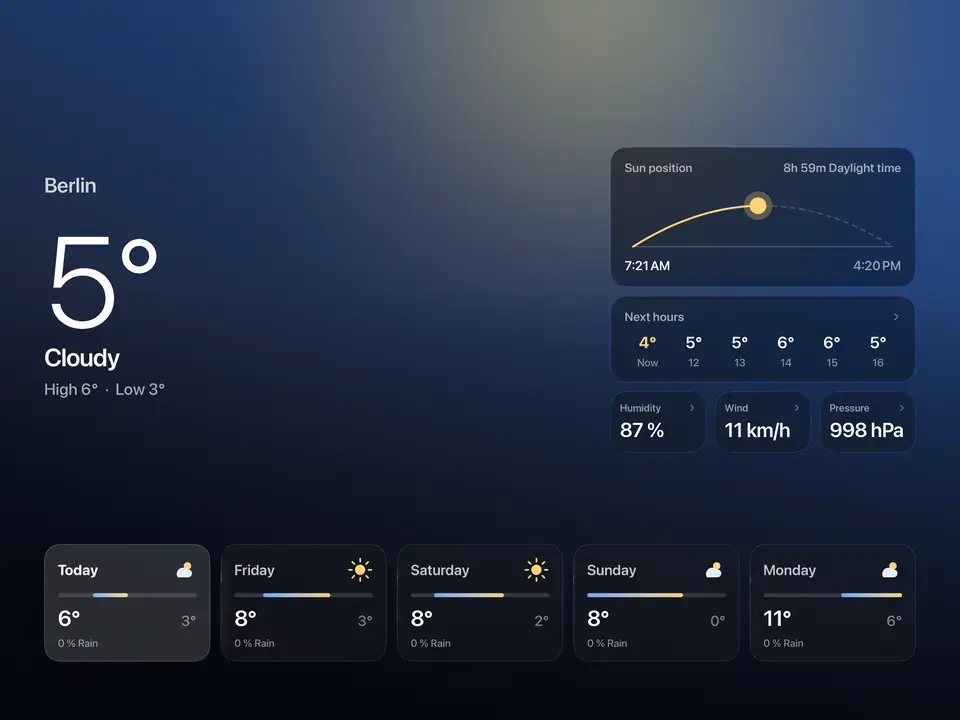
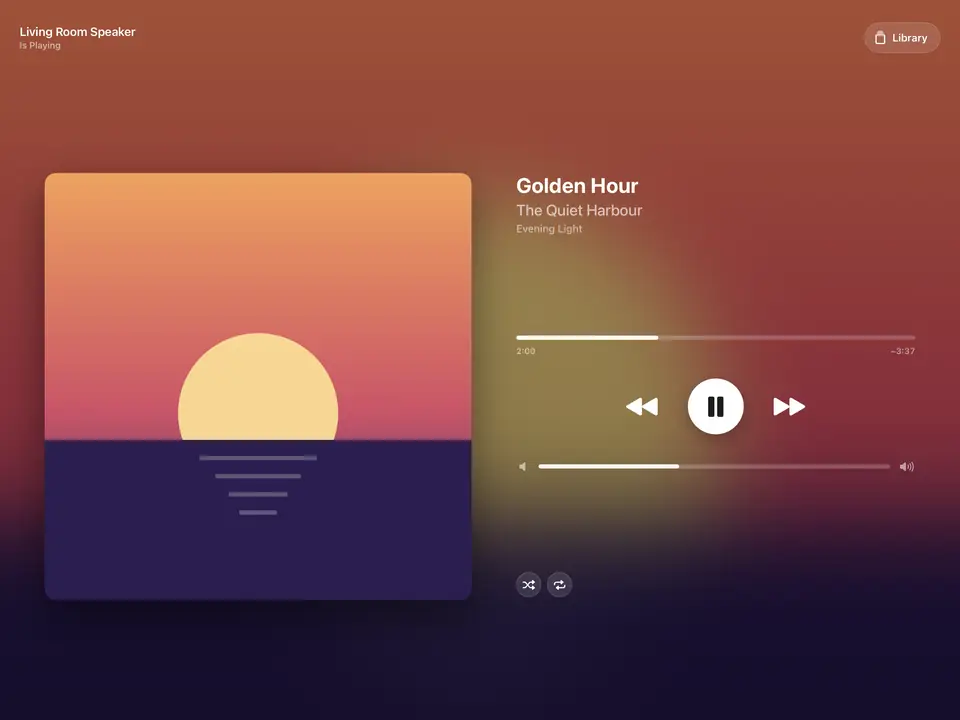
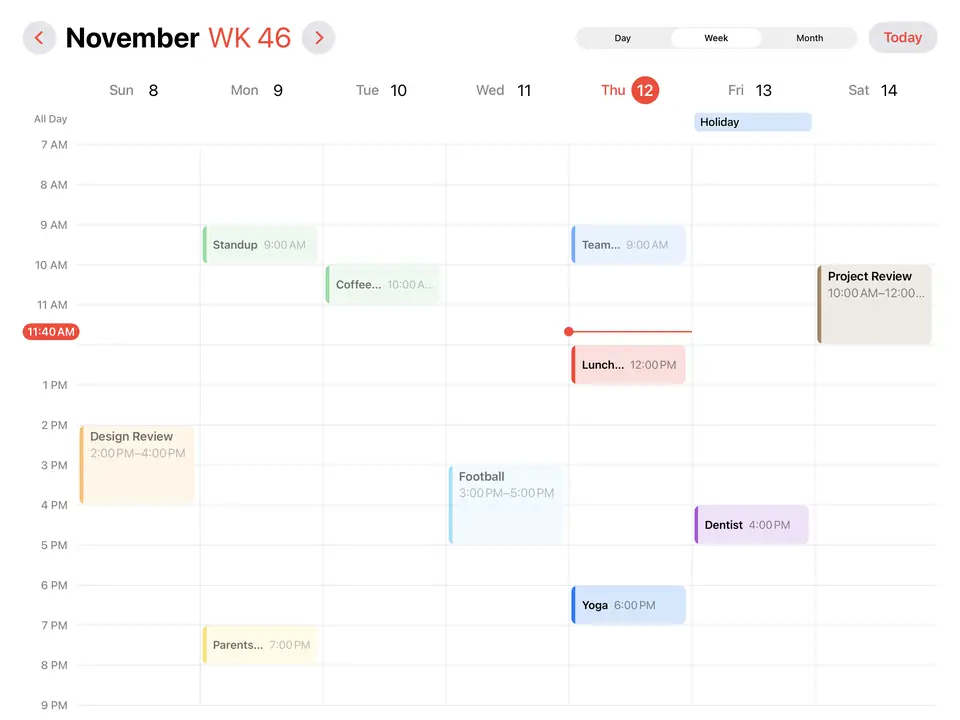
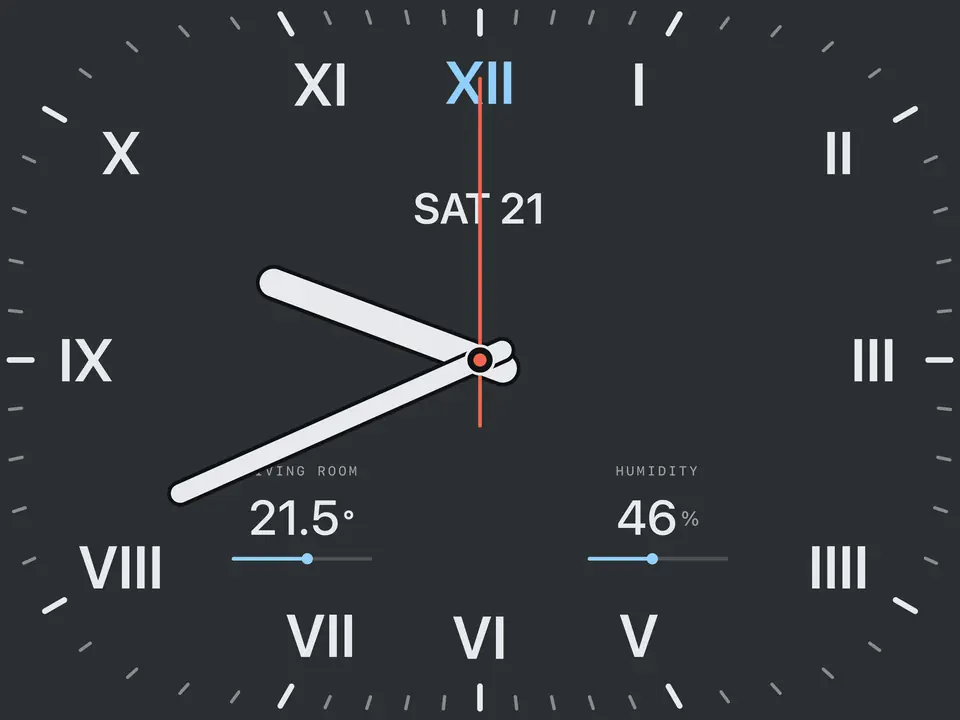
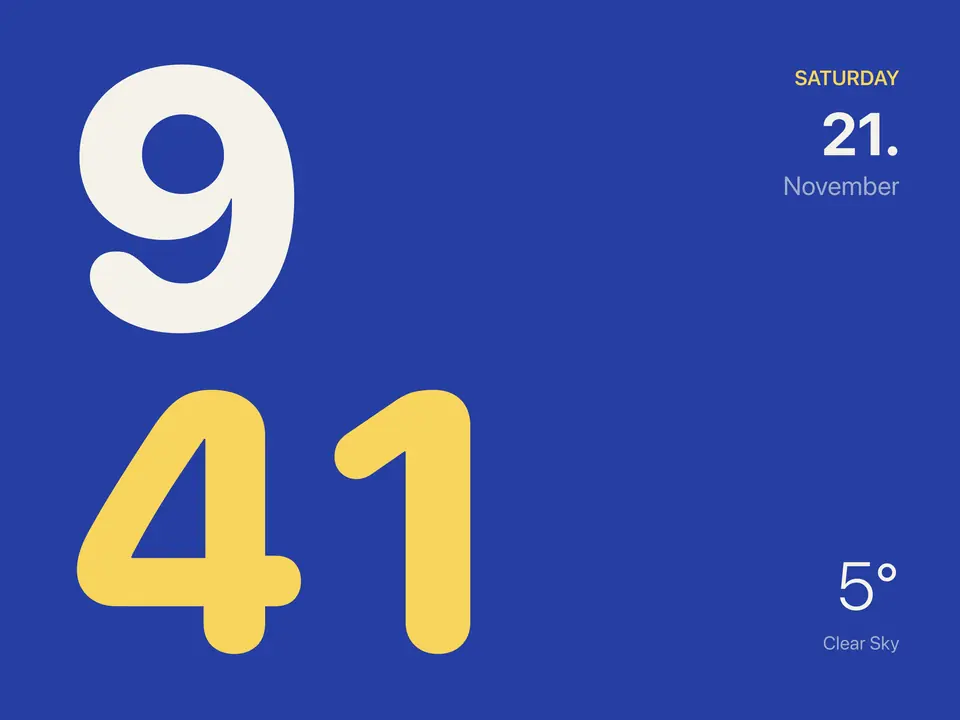
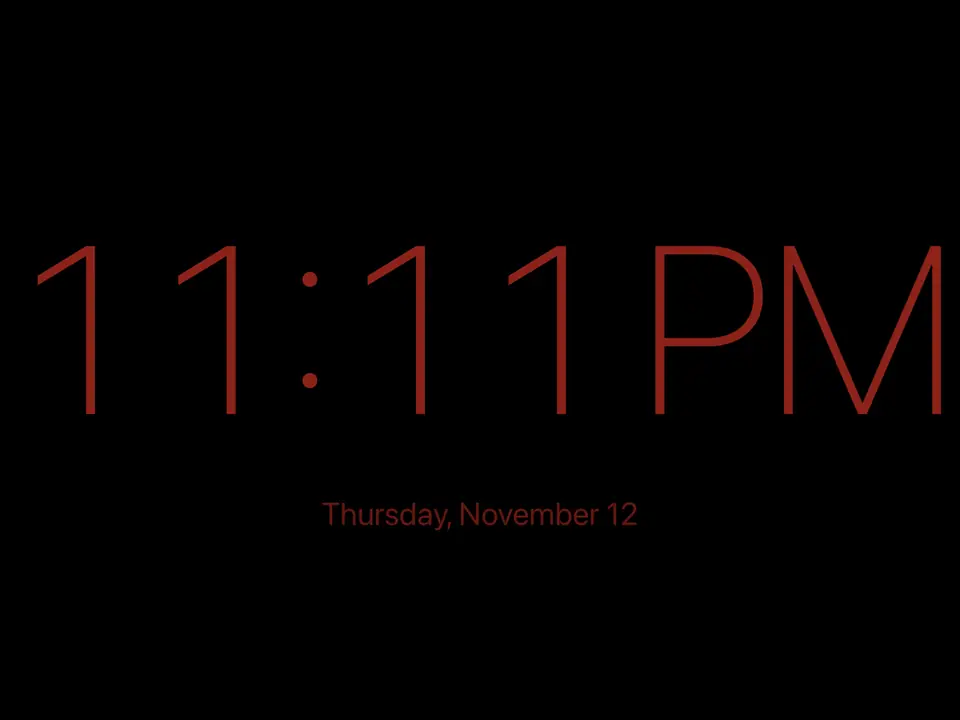
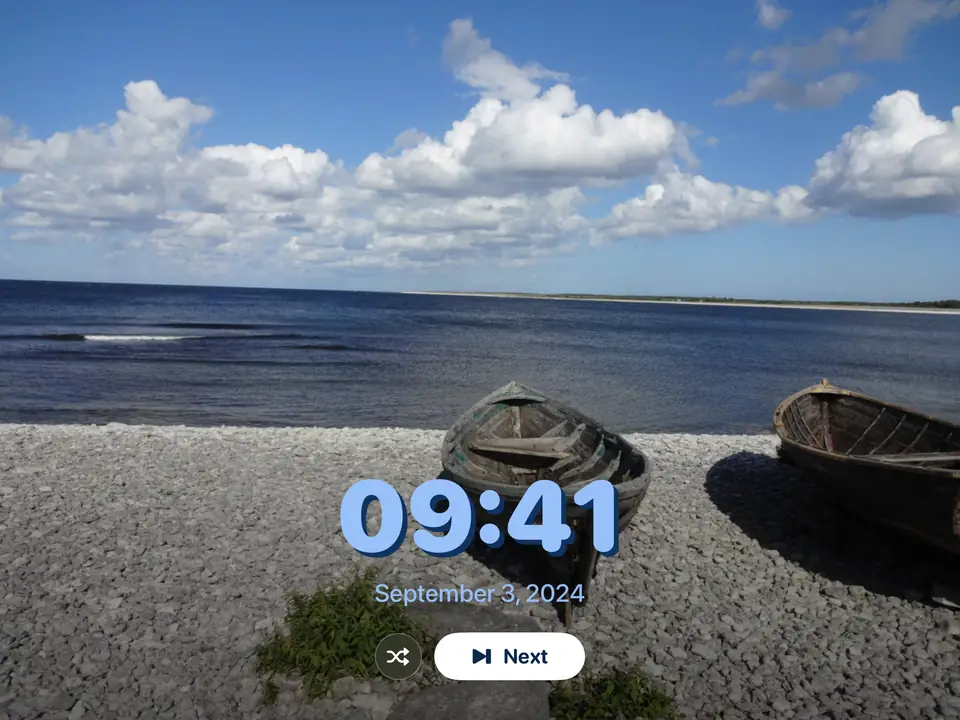
When nobody has touched it for a while, the dashboard makes way for a full-screen view: photos, the calendar, a clock, maps, music, the cameras or the weather. Set what shows at which time of day, and style the clocks like any widget. A touch brings the home back.
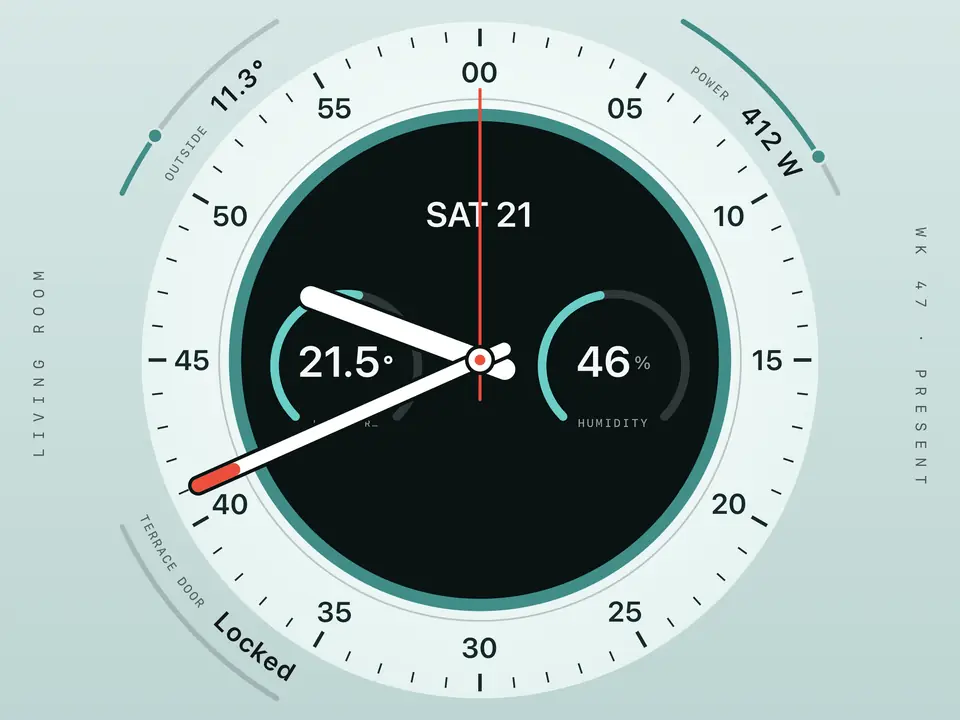
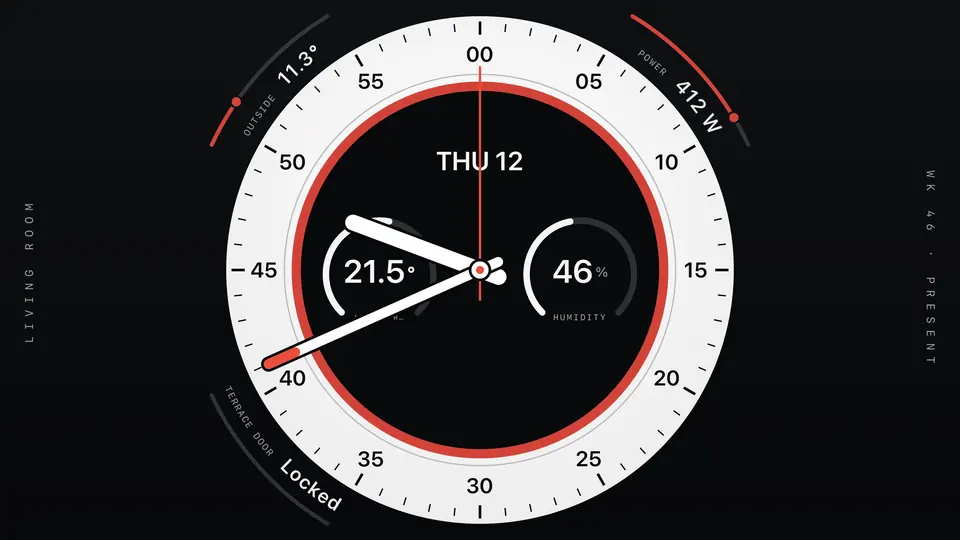
Round clock face with sensor values around the rim
Round, with sensors on the rim
Photo with the time over it
Photo frame
Split-flap clock with date and weather
Split-flap
Calendar day view
Calendar, day
Dot-matrix clock with the day's appointments
Dot matrix
Weather
Weather
Music
Music
Calendar week view
Calendar, week
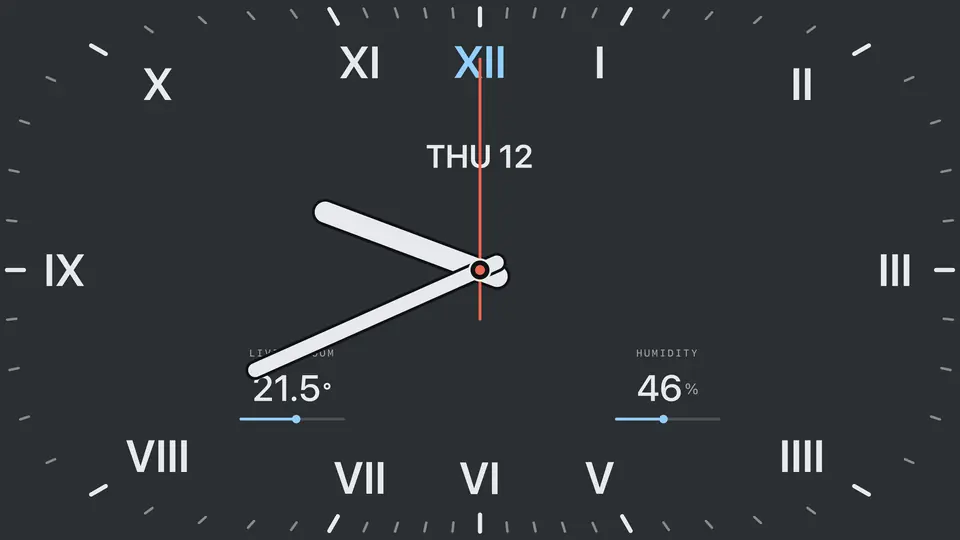
Squircle clock face
Squircle
Large digits
Digits
Dim clock for the night
Night clock
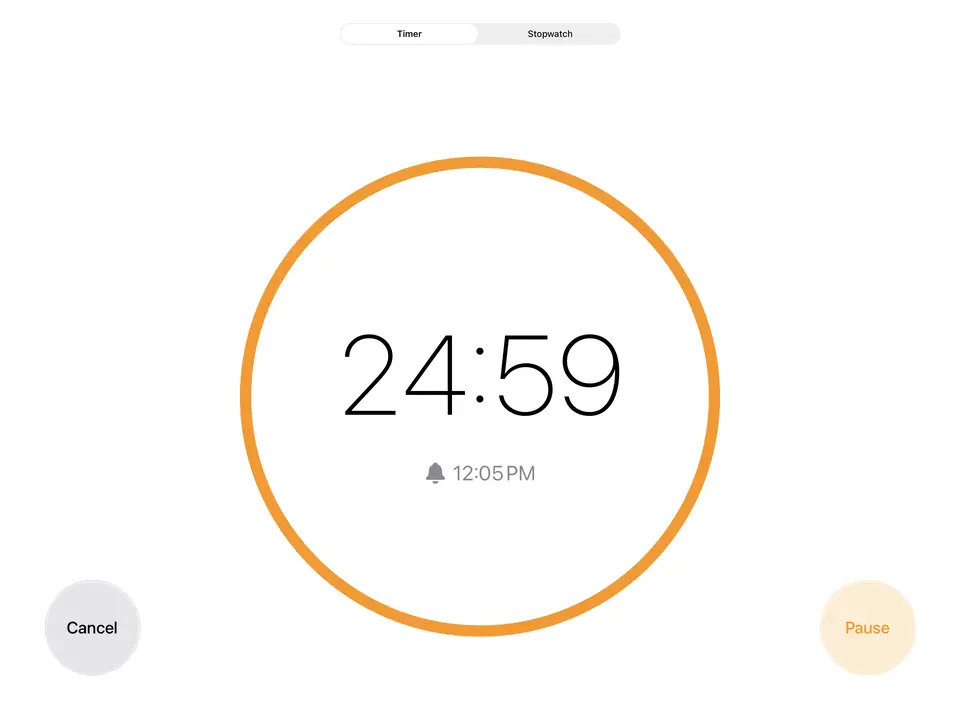
Timer
Timer

On the iPhone, the same home in two columns

The same pages on a two-column grid. Device controls slide up from the bottom, every light and blind of a room sits on one sheet, and Apple Health metrics can join your sensors. Screen recordings with a demo home; tap one to pause it.
Every light in the room, one swipe. Select them all, dim them together, then give each its own colour.
Every blind in the house, one slider. Fourteen blinds in six rooms, or stop anywhere in between.
Lights, sensors, charts, cameras, weather, clocks. Every widget comes in the page's style.
From first launch to your dashboard. Pick a style, your town, Home Assistant or HomeKit, and your rooms.

The same four pages on iPhone

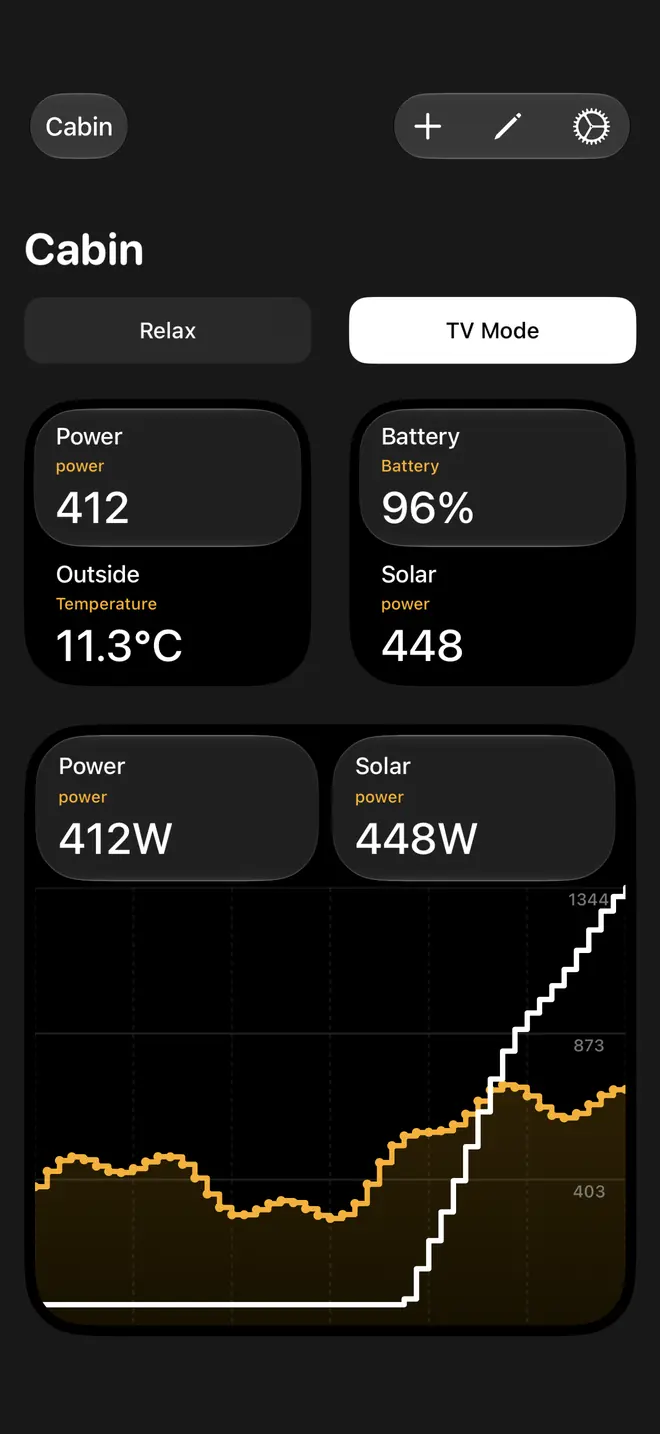
iPhone page “Cabin”: Two sensors per tile and the power chart. Spectrum, Savanna.
Two sensors per tile and the power chart. Spectrum, Savanna.
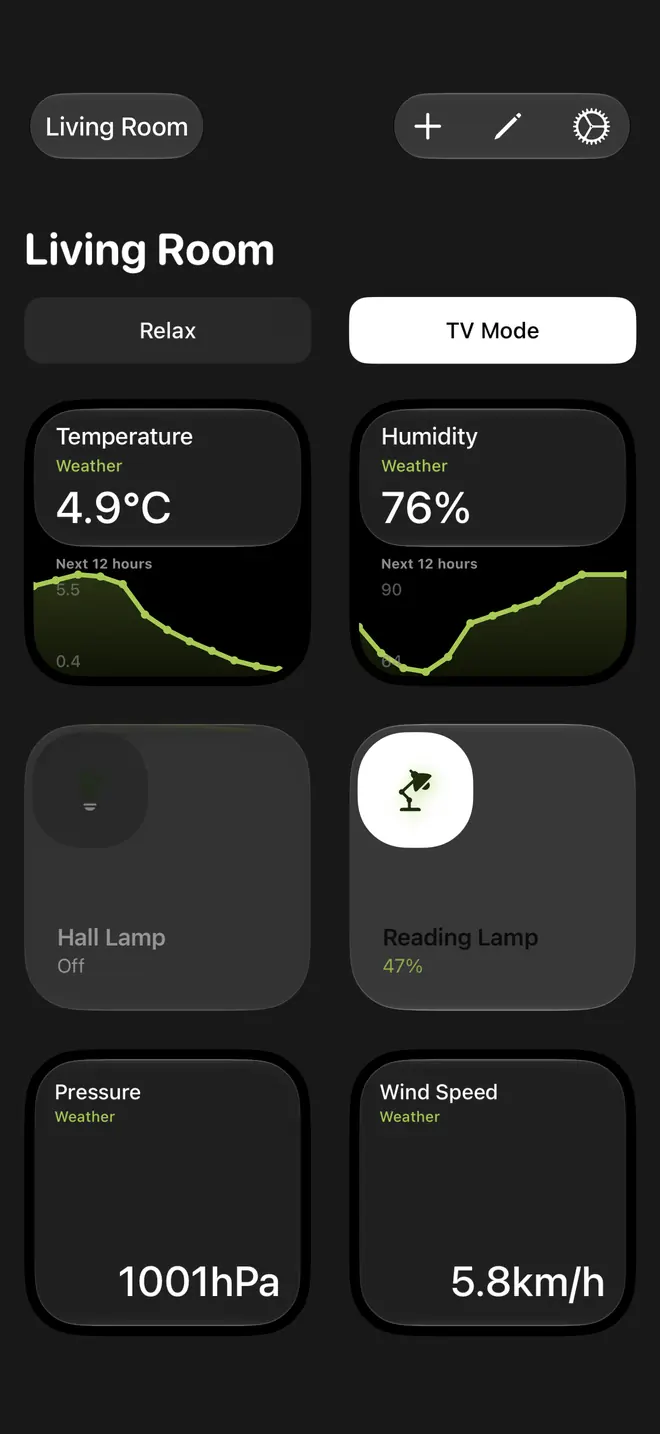
iPhone page “Living Room”: Weather charts and values, lights off and on. Spectrum, Spring Forest.
Weather charts and values, lights off and on. Spectrum, Spring Forest.
iPhone page “Lounge”: Weather charts and lights off and on. Savanna, Pale Yellow Pine.
Weather charts and lights off and on. Savanna, Pale Yellow Pine.
iPhone page “Upstairs”: Weather charts and a week of the battery. Linen.
Weather charts and a week of the battery. Linen.

Apple TV, where it started

Where Couch Control started. Made for the Siri Remote and sized to read from the sofa: the same pages and styles, the cameras and the weather full screen, and the doorbell camera on the TV when someone rings.
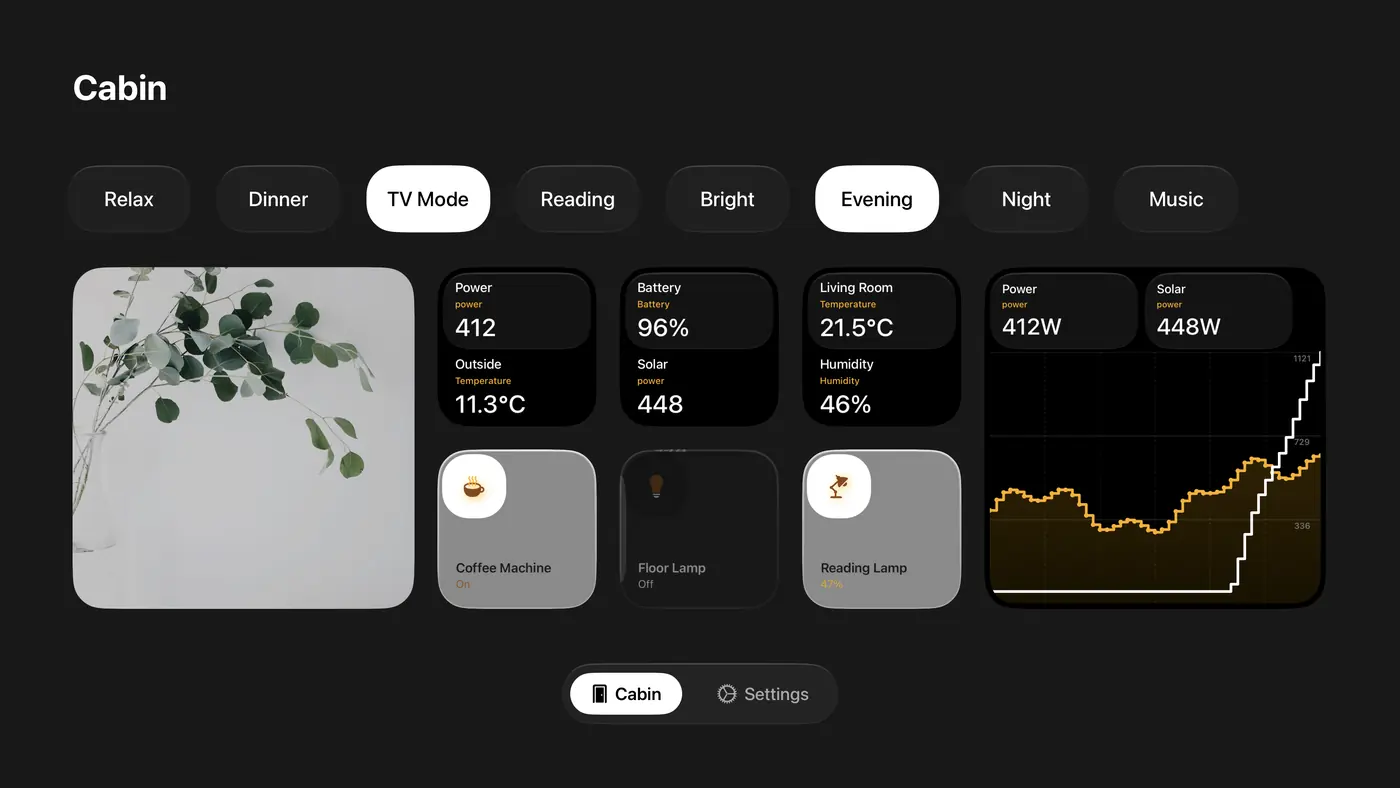
Apple TV page in the Spectrum style with a camera, tiles with two sensors each, three switches and a chart of power and solar
A camera, two sensors per tile, switches and a chart of power and solar. Spectrum with the Savanna colour pair.
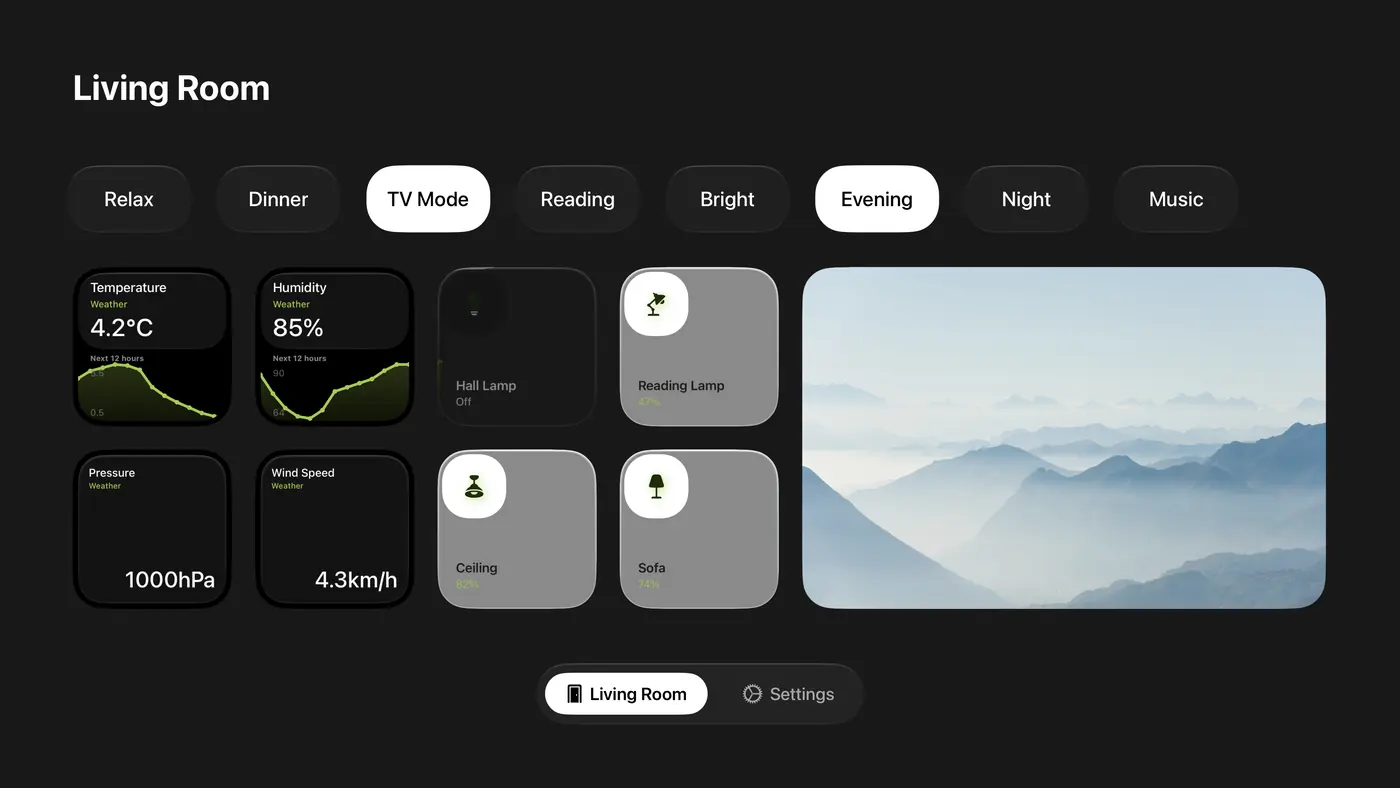
Apple TV page in the Spectrum style with weather charts and values, lights and a wide camera
Weather as charts and as values, lights and a wide camera. Spectrum with the Spring Forest colour pair.
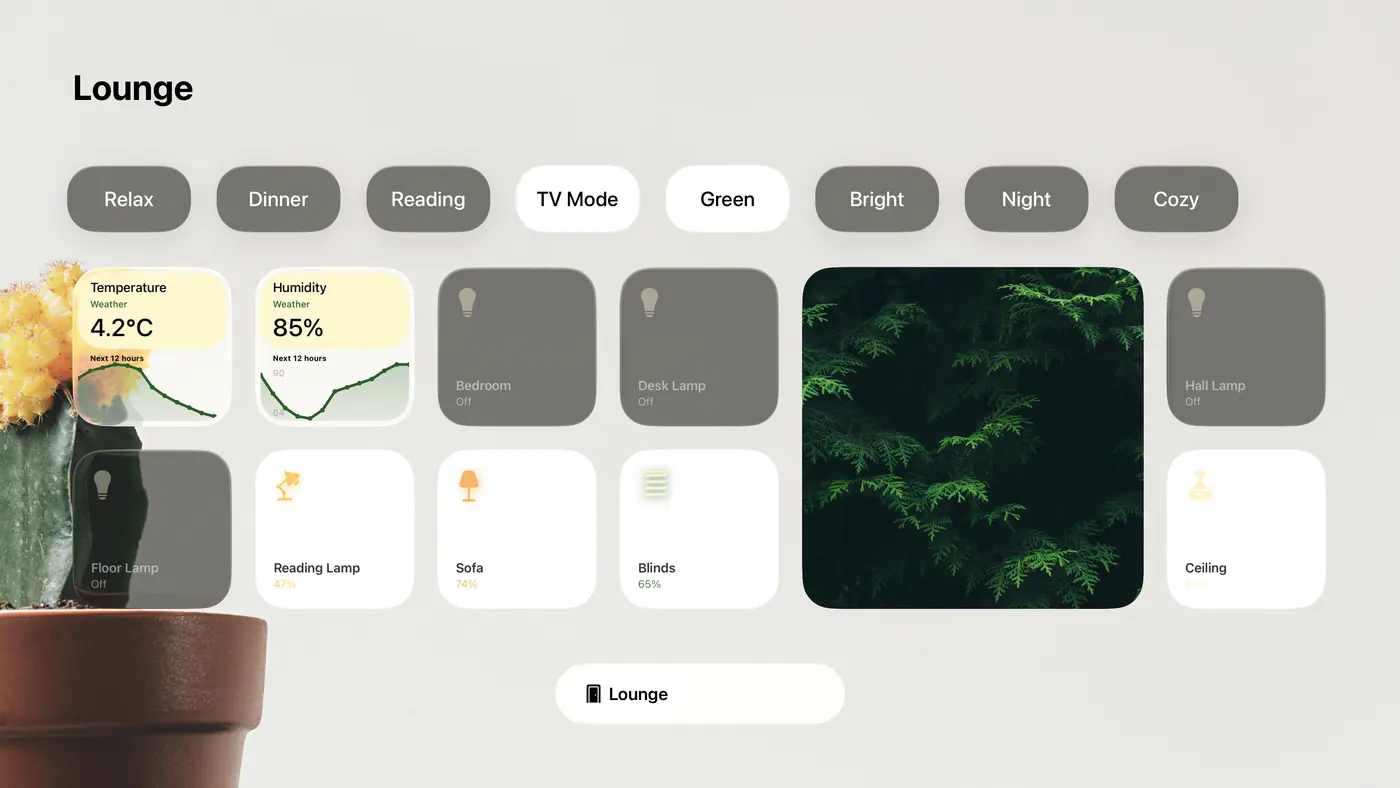
Apple TV page in the Savanna style with the Pale Yellow Pine colour pair: weather charts and devices off and on around a camera, on a photo of a cactus
Weather charts and the room's devices, off and on, around a camera. Savanna with the Pale Yellow Pine colour pair on a photo background.
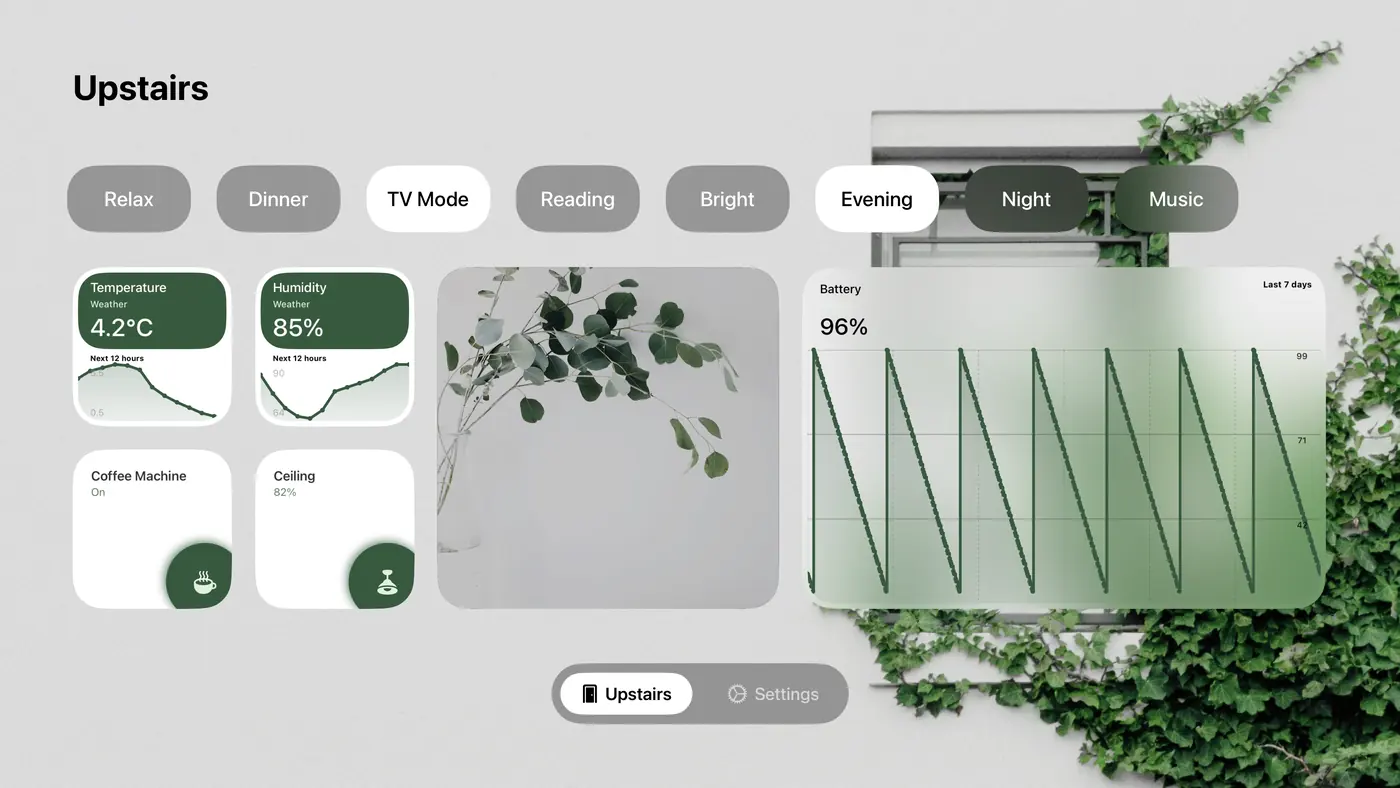
Apple TV page in the Linen style with weather charts, a camera, a battery chart over seven days and two devices
Weather charts, a camera and the battery over seven days. Linen.
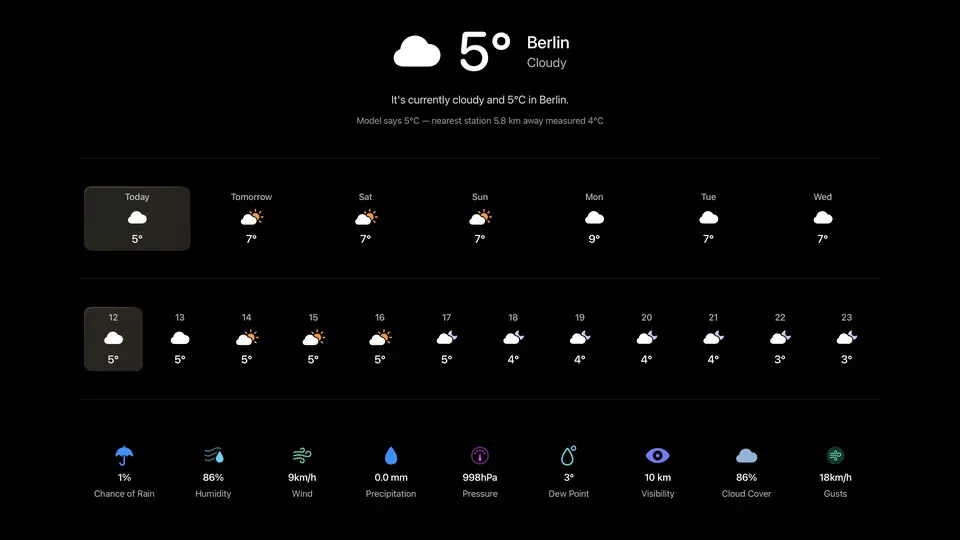
The next five days' weather on the TV
The next five days' weather
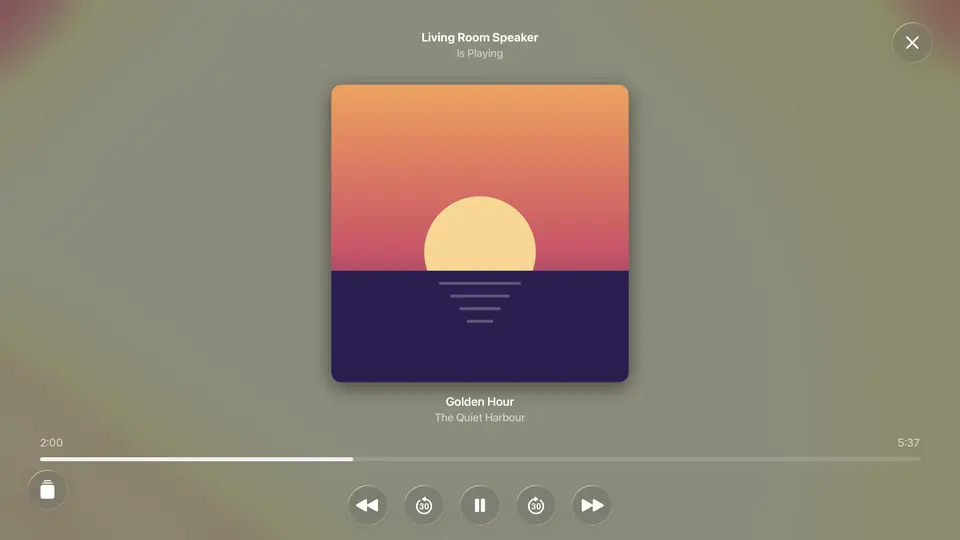
Now playing on the TV
What's playing
A room's temperature over 24 hours, full screen on the TV
A sensor's history, from 12 hours to 30 days
The resting view's clock with sensor values around its rim
The resting view, with sensors around the clock
A second clock face in the resting view
Another face for the resting view

More room to play than the Home app, without building a dashboard from scratch

Apple keeps the Home app simple so it works for everyone. Home Assistant dashboards can do anything, but you write them and you own every detail of how they behave. Couch Control sits between the two. You get deep control over how your home looks, set from menus.

That freedom is real: you can pick colours that are hard to read. If you would rather not think about it, the ready-made styles are tuned to work.
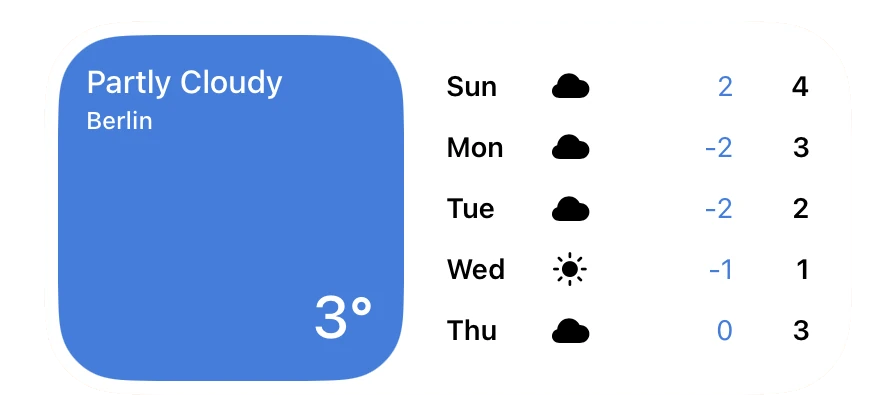
Weather forecast widget: Berlin, partly cloudy, the next five days

Weather from three services

MET Norway for forecasts worldwide, Bright Sky with the German weather service's station data, or the US National Weather Service. As forecast widgets, five days full screen, and as values and charts in sensor widgets.
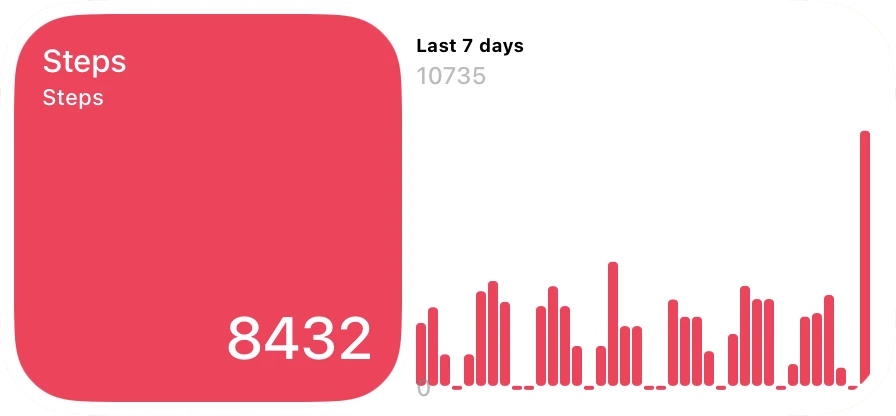
Health chart widget: steps over the last seven days

Apple Health

Steps, distance, heart rate, resting heart rate, sleep, blood oxygen, weight, water and more, as values and charts next to your sensors, on iPhone and iPad.
A switch that runs the shortcut “Leaving Home”

Shortcuts without leaving the app

A switch, a slot of a multi-toggle or a scene button can run one of your shortcuts. With a one-time automation on iOS 27 it runs in the background and the dashboard stays in front. Shortcuts can also open a page, a room's devices or a camera, and start the resting view.
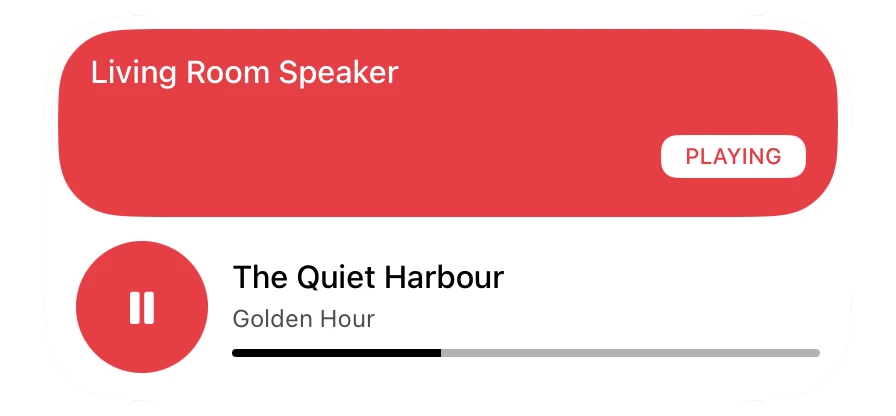
Music widget: the living room speaker playing

Music players

Home Assistant media players in three widget layouts (1×1 and 2×1) and full screen, with what's playing, the cover and the controls. On iPhone and iPad, also what's playing in the Music app on the device itself.
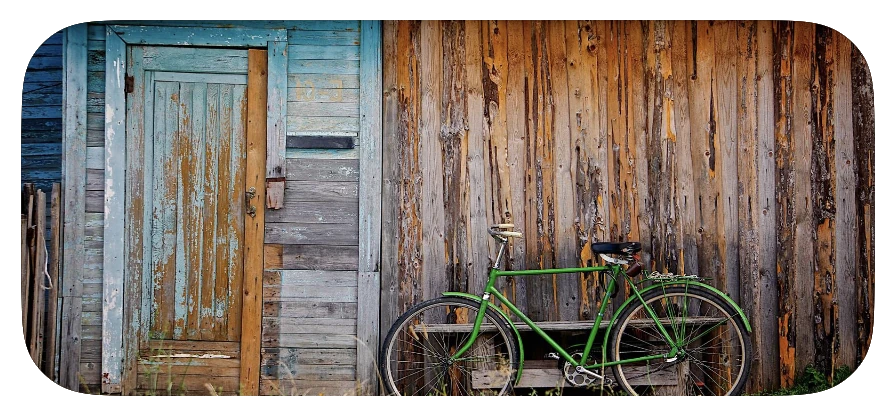
Camera widget: the garden camera, a shed with a bike in front of it

Cameras, up to sixteen at once

HomeKit and Home Assistant cameras as widgets of any size, and a full-screen multi view with up to sixteen cameras side by side.

Camera recordings from your NAS

Point a widget at a folder on your NAS or in Home Assistant where your camera saves its clips, and play the latest ones on the dashboard.

Your colours, your icons

Add your own colour pairs and use them on any widget. Pick from the full SF Symbols library, or import your own icon sets.

Behaviour as well as looks

A tap on a widget's icon switches the device and a tap anywhere else opens its controls, or a tap switches and a long press opens them. Swipe between pages, hide the top bar, choose whether a light opens alone or with its whole room, and hand the iPad to guests in a guest mode behind a passcode.
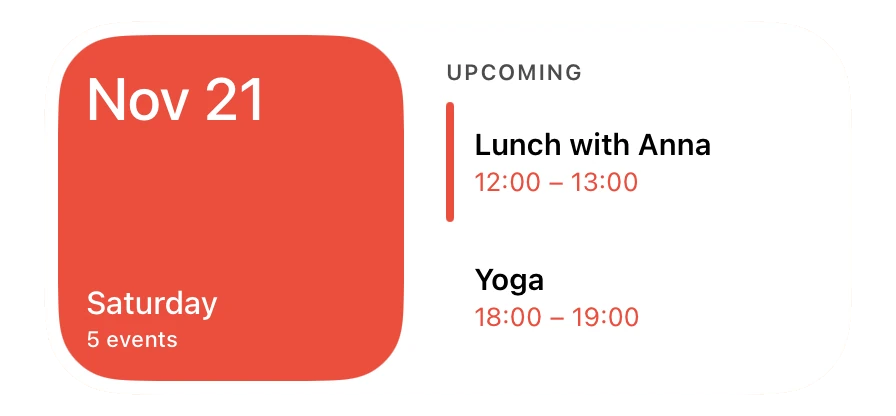
Calendar widget: today and the next two events

Calendar

Today's events and what's coming up, from the calendars on your iPhone or iPad (iCloud, Google, Exchange) or from an iCal address, which Apple TV uses too.
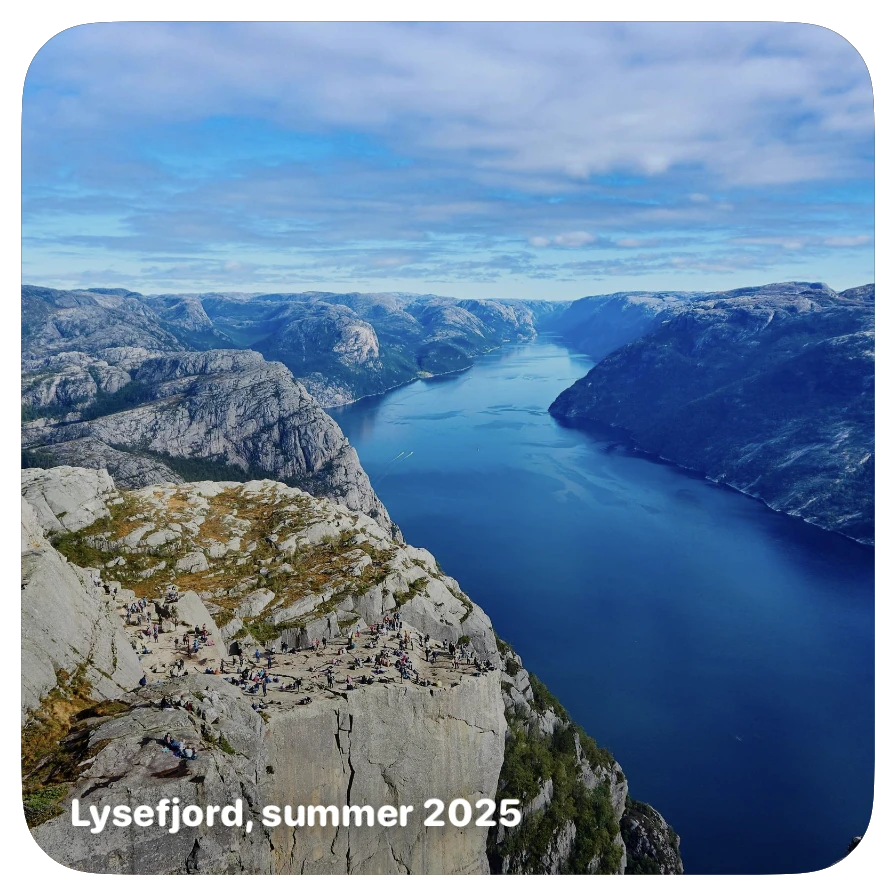
Photo widget with a caption of its own

Photos

A photo widget cycles through an album or photos you pick, with a caption of your own; a tap opens the photo full screen. On Apple TV it shows your iCloud Photos albums.
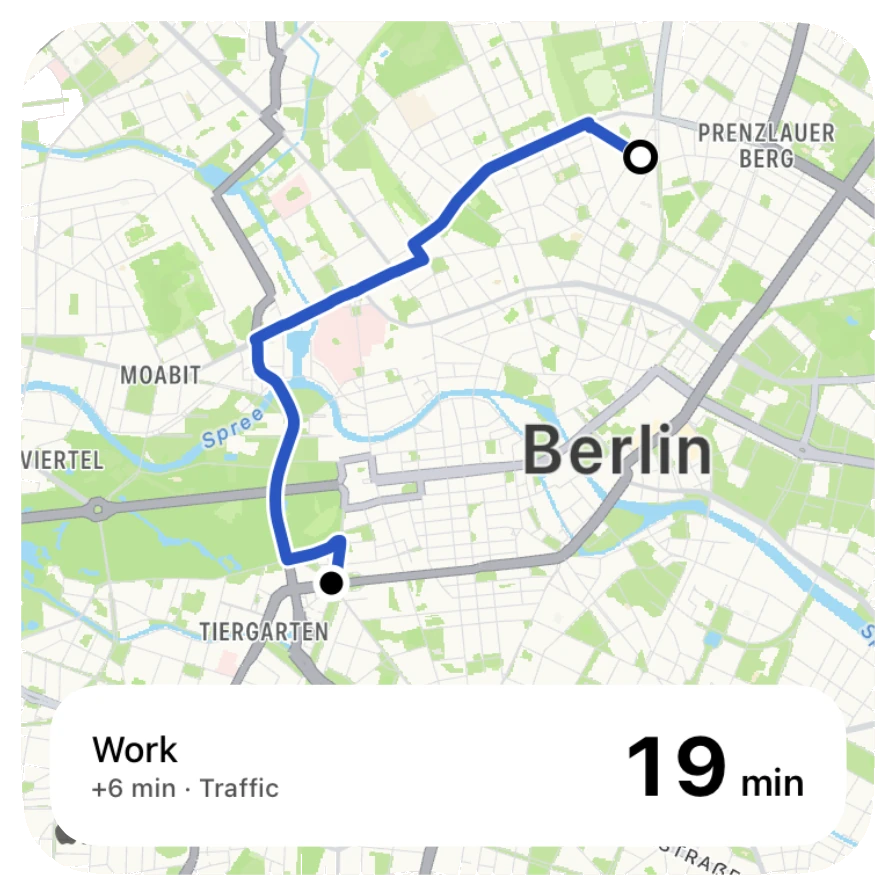
Travel time widget: 20 minutes to work, 6 minutes more than without traffic

Travel time

How long the drive to work, school or anywhere takes right now, with traffic, from Apple Maps. Six layouts in four sizes; a tap opens the route on a map with the other ways there.

Also new this autumn

News, Analog Sensor (thermometer, hygrometer, barometer, power meter, manometer, fuel gauge) and Multi Sensor with up to eight sensors in one tile.

Every kind of widget, on a real page

Each page below is a dashboard made in the app from the demo home, one family of widgets at a time, each in another style.
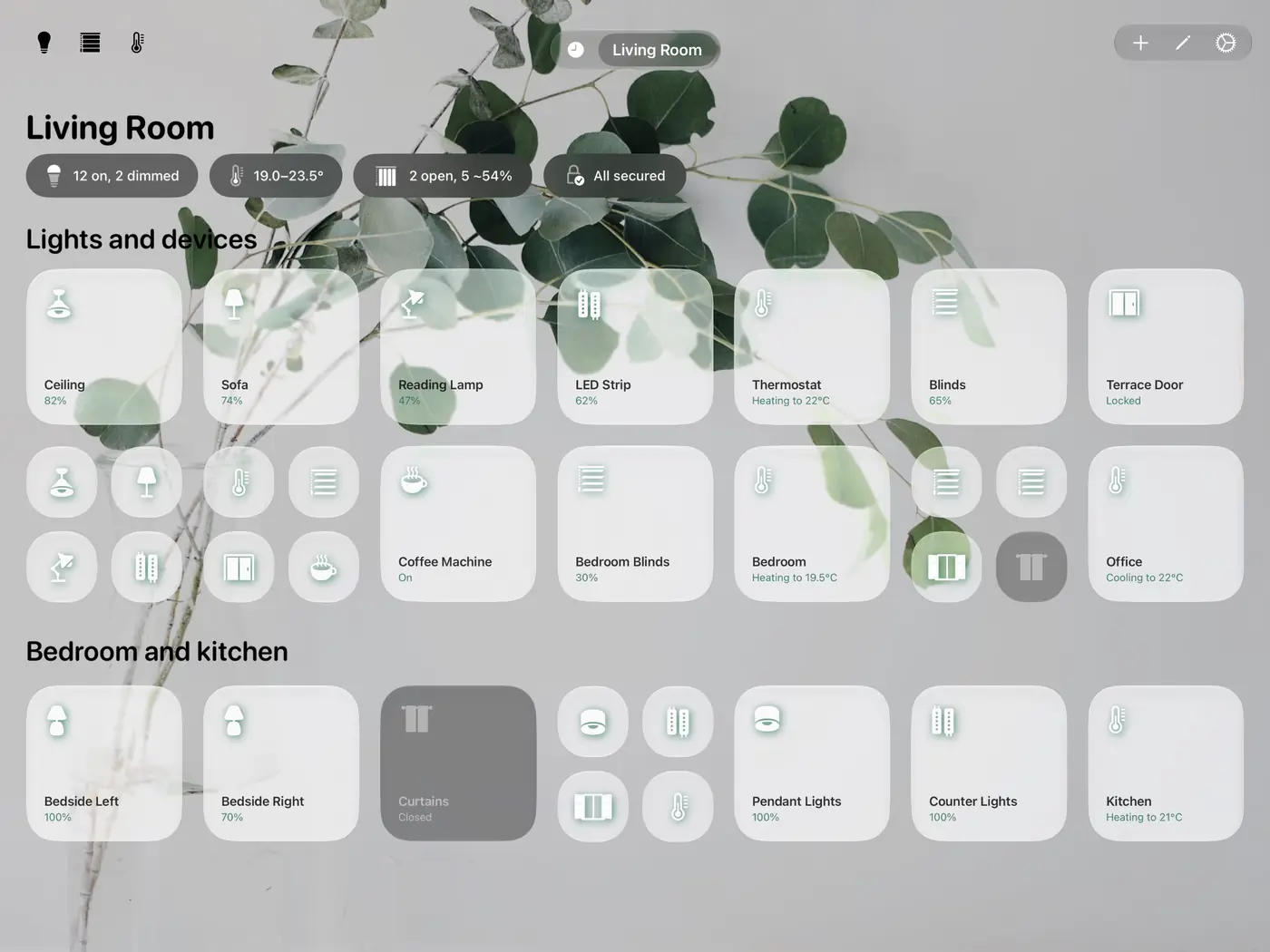
Lights and devices

How far the settings go

A new page starts from a style, so it looks finished right away. From there you can change every level on its own: the page, a section header, a widget, and the single parts a widget is made of.

Try a few of the chart widget's settings

The real widget, rendered by the app for each choice below. This is only a small part of its settings: in the app it also takes a second sensor, forecasts, nine time ranges from 30 minutes to 30 days, data points, Liquid Glass and photo backgrounds, its own layout and name, and colours for its upper section and the chart.
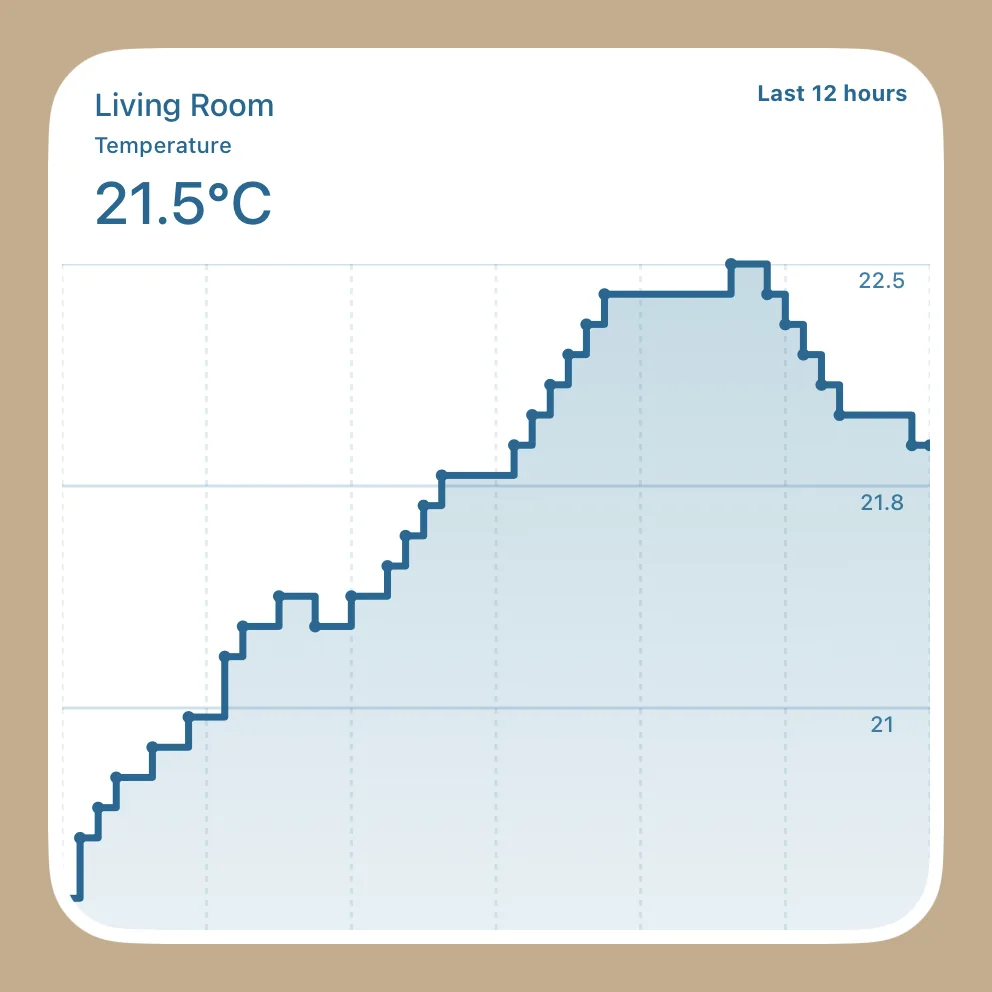
Chart widget, 2×2, line chart, last 12 hours
Size
Chart
Time range
Colour pair
Page
Style, name, icon and position. Background as a gradient, a solid colour, a subtle tint, a nature photo, a photo of your own or from a web address, or slowly moving colour blobs (how many, light or dark, colours from the page's colour pair or your own). Two widgets more or fewer per row than standard. Each page syncs through iCloud on its own.
Scene row
Which HomeKit or Home Assistant scenes, automations and scripts it holds. Colours on and off, height, font size, corner radius, one or two rows, an icon per scene, and an optional three-second countdown before a scene runs. Or category pills instead (Lights, Climate, Blinds & Shades, Security), with their own size, padding, glass, material or solid background, colours and type sizes.
Section header
Text, font, weight, size, italic, colour, the space above and below, the column it starts at, and whether it stays visible when you filter by category. Headers share a heading class, or one gets a style of its own.
Widget
Colour pair and background: Liquid Glass light, dark or prominent, materials, transparent, solid colours, nature photos or backgrounds of your own. Text colours, the icon (any SF Symbol or an imported one) with its circle, size, position, stroke and shadow, a focus outline, and a look of its own when the device is off. A dynamic look switches colours when a value crosses a threshold, red above 30 for example. Apply to all widgets of a type, to one category, or to the whole page, and save a look as a theme.
Whole style
One screen shows every look a page gives its widgets: switches by category, on and off, and every other kind in every size. Export the style as a file, without your devices, names or photos, and import it onto another page.
Behaviour
A tap on the icon switches and a tap elsewhere opens the controls, or a tap switches and a long press opens them. Swipe between pages, hide the top bar, open one light or the whole room's. Pick the toolbar buttons (lights, blinds, thermostat, calendar, music, weather) and whether they open the built-in view or another app, the dock shortcuts, the music source, and light presets.
Resting view
When it starts: after a set time or when a presence sensor says the room is empty. Its pages: photos, clock, calendar, weather, cameras, timer, news, travel times and music, a night clock with its own hours, and a resting page to the left of the first page.
Home and data
HomeKit plus several Home Assistant servers, each tied to a HomeKit home. Weather service and location, an iCal subscription, doorbells (ring sound, camera, door lock, a test ring), which HomeKit sensors are recorded and for how long (three months to unlimited, with export), and units (°C or °F, km/h or mph, hPa or inHg).
Across the app
Your own colour pairs and widget backgrounds, imported icon packs, alternative app icons, a guest mode behind a passcode, OLED protection (blank the screen when the room is empty, shift pixels slowly), and 10 languages.

$8, once

A single purchase with no subscription, now or later. If you bought Couch Control for Apple TV, the iPhone and iPad versions are already yours.

Your home stays yours
There is no account, no tracking and no server of mine involved. Your home data travels only between your devices, your own Home Assistant server and your iCloud. Weather and news widgets fetch their content straight from those services.
Works with
HomeKit and Home Assistant, side by side on the same page.
Runs on
iPhone and iPad with iOS 17.2 or later, Apple TV with tvOS 18.1 or later, and Macs with Apple silicon. The oldest supported iPad, the 6th generation from 2018, runs it, but noticeably slower.
Languages
English, German, French, Spanish, Italian, Dutch, Portuguese, Japanese, Korean and Chinese.